
Crypto Wallets Explained for Beginners: Hot vs Cold and Which One You Need

Fintech Analyst · Founder of Tech Capital Hub
Marcus has spent more than a decade researching blockchain, digital custody, and financial technology. In this beginner-friendly guide, he breaks down how crypto wallets work, the real difference between hot and cold wallets, how self-custody compares with exchange custody, and the practical security habits that help new investors protect their digital assets.
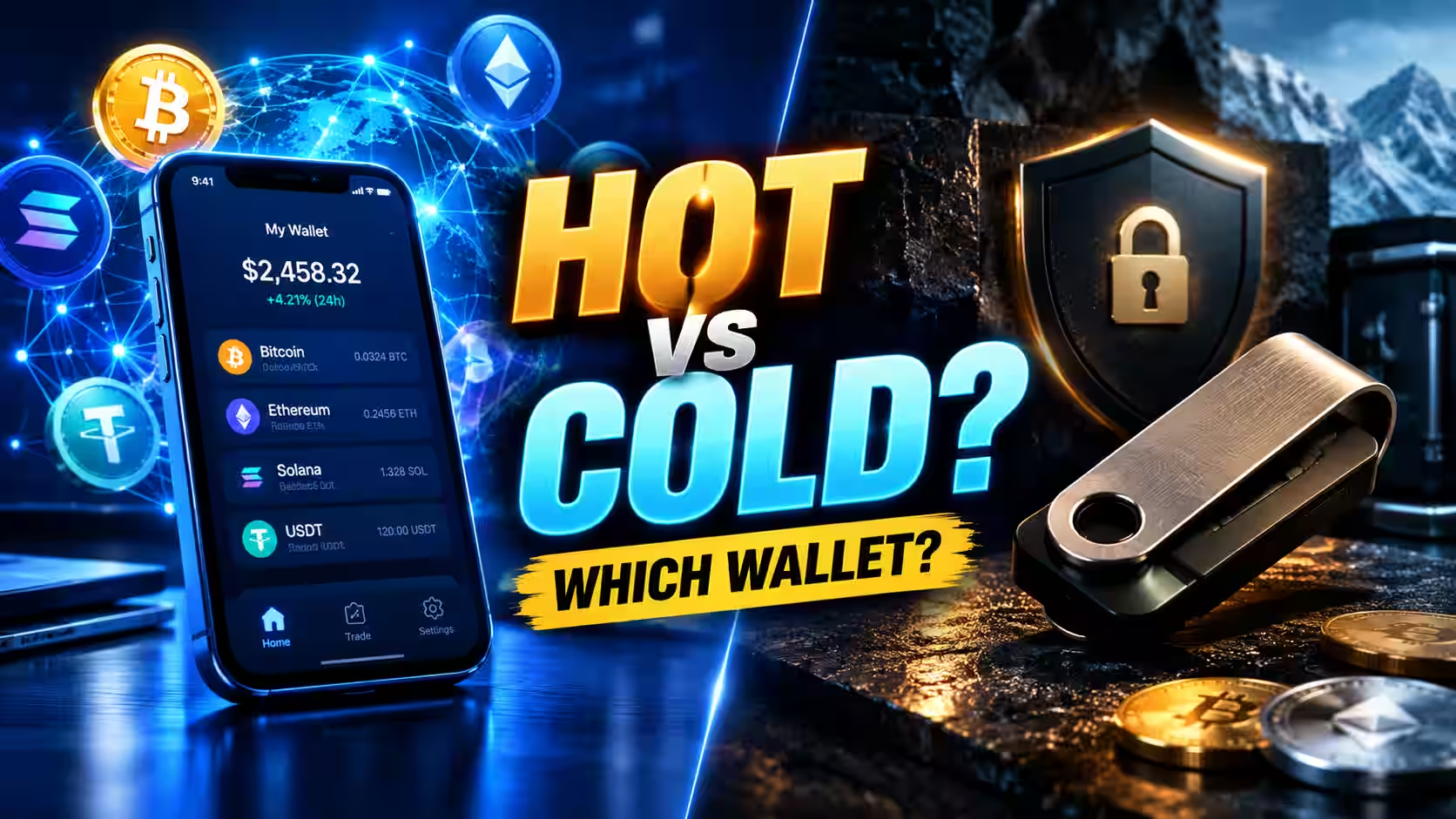
Choosing your first crypto wallet is one of the most important steps you’ll take as a new investor — and the good news is that it’s easier to understand than it looks! This is crypto wallets explained for beginners in plain language, with clear comparisons, simple setup steps, and honest security advice you can act on today. By the end, you’ll know exactly which wallet fits your needs and how to protect it.
Quick summary: A crypto wallet manages the private keys that control your coins on the blockchain — it doesn’t actually “hold” your money. The biggest decision isn’t hot versus cold. It’s whether you let a company hold your keys (custodial) or hold them yourself (non-custodial). Everything else builds on that one choice.
The failures of major custodial platforms like FTX, Celsius, and Voyager — all detailed in a Vermont Department of Financial Regulation investor alert — showed exactly why this choice matters. When those companies collapsed, customers discovered a hard truth: assets they thought they owned were tangled up in bankruptcy proceedings. That single lesson shapes this entire guide.
More than $15 billion has been lost since 2014 to failed custodial crypto platforms, including the collapses of FTX and Celsius. That number matters before you ever compare wallet apps, because the biggest wallet decision isn’t hot versus cold — it’s whether you trust a company to hold your keys at all. Everything else in this guide builds on that one choice.
Table of Contents
What Does a Crypto Wallet Actually Store?
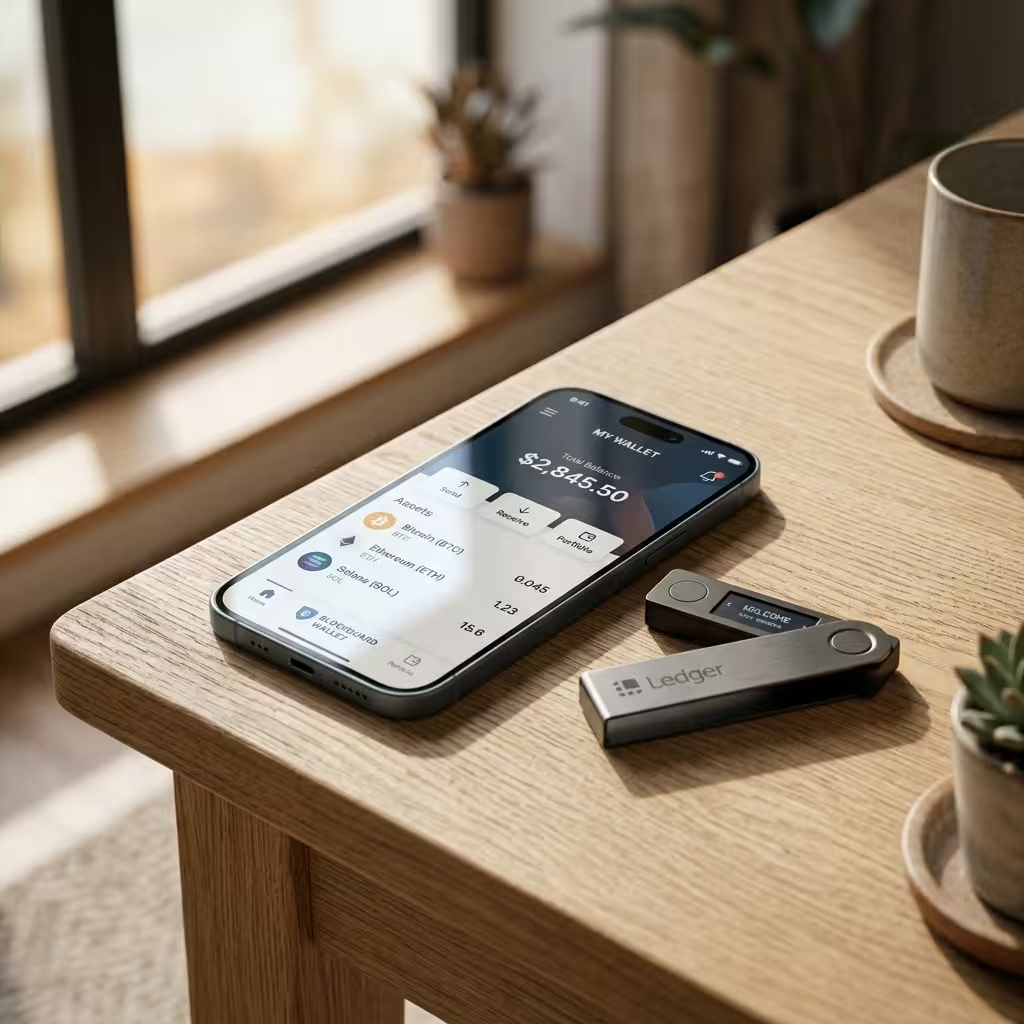
Short answer: A crypto wallet doesn’t store your coins. It stores your private keys — the credentials that let you move funds recorded on the blockchain.
Your Bitcoin, Ethereum, or Solana lives permanently on the blockchain, a public ledger that records every balance and transaction. What a wallet actually manages is your private key: the credential that authorizes you to move those funds.
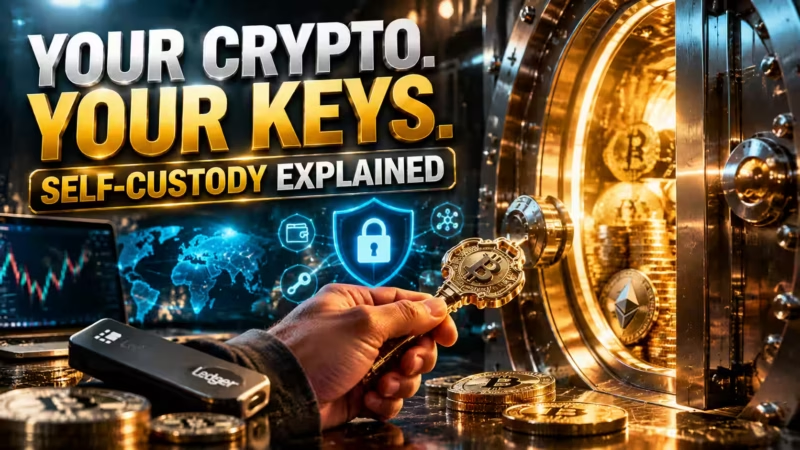
Here’s the easy way to picture it. The blockchain is a giant vault. Your wallet address (the public key) is like your account number — you can share it with anyone so they can send you crypto. Your private key is the PIN. Whoever holds that PIN controls the funds, no matter whose name is attached. That’s why “not your keys, not your coins” isn’t a slogan — it’s a literal description of how custody works.
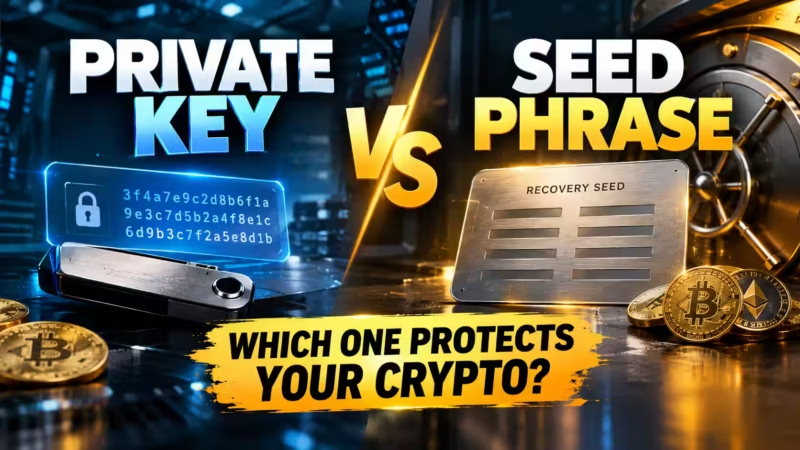
Most non-custodial wallets generate a seed phrase (also called a recovery phrase) during setup: 12 to 24 random words that act as a master backup for your private key. Lose the wallet, and the seed phrase rebuilds it on a new device. Lose the seed phrase with no backup, and the funds are gone for good. As MetaMask’s own support documentation puts it plainly, there’s no password reset and no company that can recover a self-custodial wallet for you.
Takeaway: Your coins live on the blockchain. Your wallet protects the keys. Your seed phrase is the master backup — guard it like the keys to everything you own.
Public Key vs Private Key: The Difference in One Minute
Short answer: Your public key (wallet address) is safe to share so people can send you crypto. Your private key must stay secret — it’s the only thing that can move funds out.
- Public key / wallet address: Think of it as your email address. Share it freely to receive funds.
- Private key: Think of it as your password. Never share it. Anyone who has it controls your crypto.
The public key is mathematically derived from the private key, so they’re permanently linked. But the math only runs one way — nobody can reverse-engineer your private key from your public address. That’s the foundation of crypto security.
What’s the Real Difference Between a Hot Wallet and a Cold Wallet?
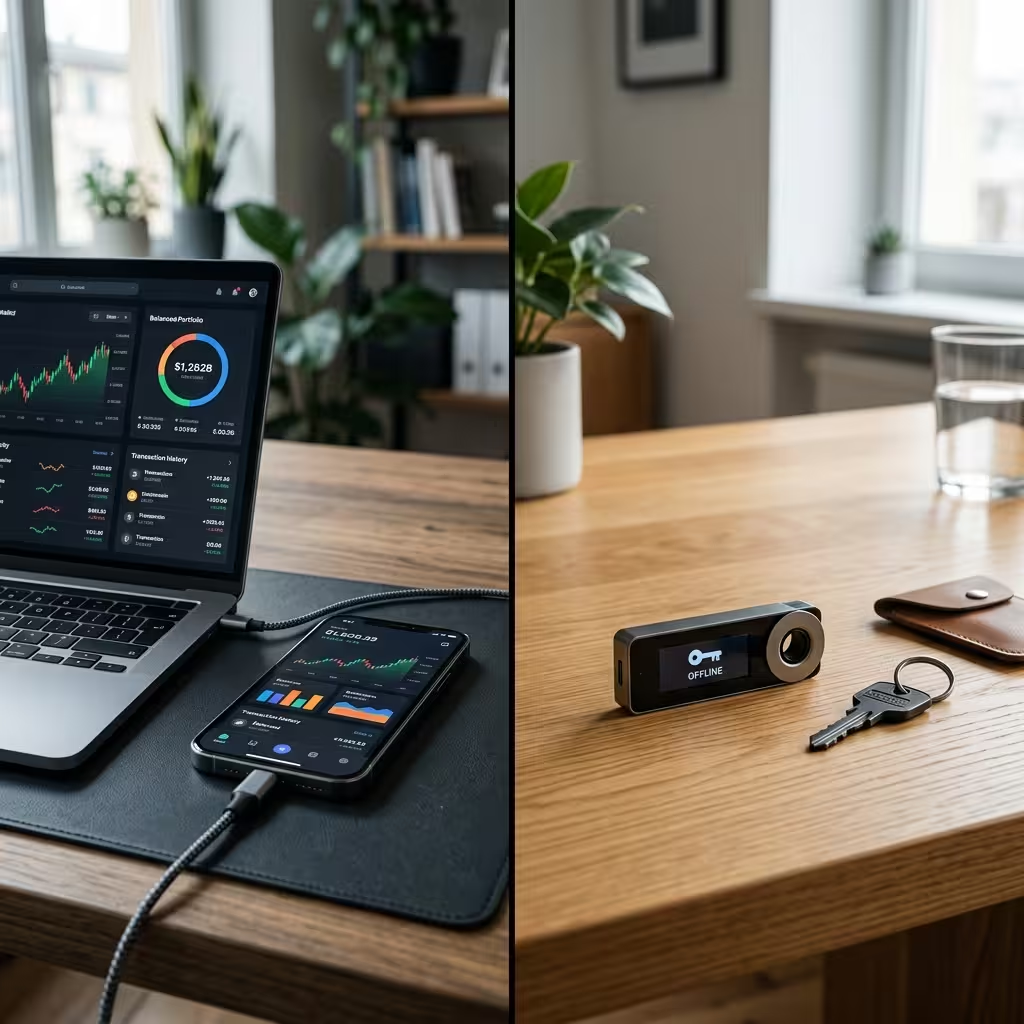
Short answer: A hot wallet stays connected to the internet for easy daily use. A cold wallet keeps your keys completely offline for maximum security.
The split comes down to one simple question: does the device holding your private key ever touch the internet?
A hot wallet — a mobile app like Trust Wallet, a browser extension like MetaMask or Phantom, or a desktop program like Exodus — stays connected at all times. That connectivity makes it perfect for daily spending, trading, and interacting with DeFi apps. It’s also what exposes it to phishing, malware, and remote hacking.
A cold wallet keeps your private key completely offline. As Ledger Academy explains, a cold wallet signs transactions offline and never interacts with smart contracts — which makes it immune to online threats like malware and malicious approvals. Hardware devices like a Ledger or Trezor generate and store keys inside an isolated secure chip that never broadcasts them to an internet-connected computer.
Hot Wallet vs Cold Wallet at a Glance
Quickly compare convenience, security, and best use cases before choosing your crypto wallet setup.
| Feature | Hot Wallet (Online) | Cold Wallet (Offline) |
|---|---|---|
| Internet connection | Always connected | Air-gapped or never connected |
| Best for | Daily spending, trading, DeFi, NFTs | Long-term holding and larger balances |
| Main risk | Phishing, malware, remote attacks | Physical loss, damage, lost seed phrase |
| Convenience | Fast and easy for everyday use | More secure but slower to access |
| Setup effort | Usually a few minutes | Takes longer and may require a device |
| Typical cost | Usually free | $50–$399 depending on device |
| Also known as | Software wallet | Hardware wallet / cold storage |
| Best beginner strategy | Use for smaller active balances | Use for savings you want to protect |
Neither one is “better” on its own. Most experienced holders run both at once — and that’s the real point of this comparison. You’re not picking a winner. You’re learning what each one is for!
Takeaway: Use a hot wallet for the crypto you’re actively spending or trading. Use a cold wallet for the bulk of what you want to protect long-term.
Custodial or Non-Custodial: Who Should Actually Hold Your Keys?
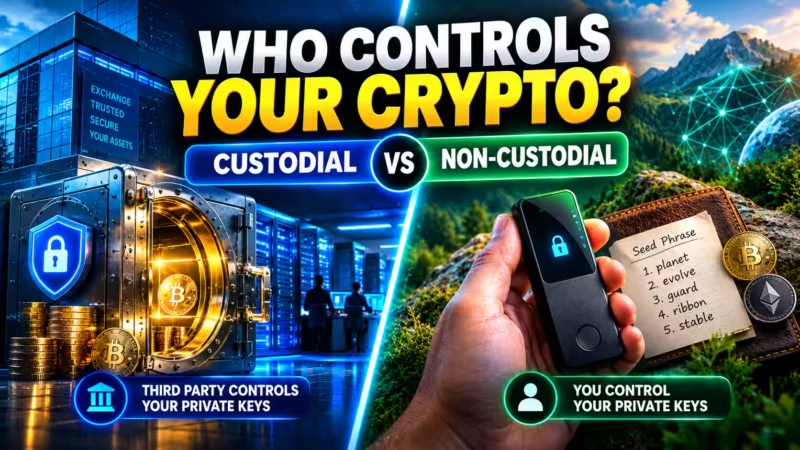
Short answer: A custodial wallet lets a company hold your keys (easy recovery, but you depend on them). A non-custodial wallet means you hold your keys (full control, but no help desk).
This is the decision that matters more than hot versus cold — and beginners usually skip right past it.
A custodial wallet — your balance on an exchange wallet like Coinbase or Binance — means the platform holds the private keys for you. The big advantage is familiar account recovery. Forget your password, and the exchange resets it, just like a bank. That convenience comes with counterparty risk: if the platform freezes withdrawals, gets hacked, or collapses, your access depends entirely on that company staying solvent.
The Vermont Department of Financial Regulation documented exactly how this plays out. In the Celsius case, a court-appointed examiner found the company hadn’t properly segregated customer assets — even in accounts labeled “custodial” — and a later court order held that certain customer assets became property of the bankruptcy estate. In plain terms: people who thought they owned their crypto were treated as creditors waiting in line.
A non-custodial wallet removes the middleman entirely. You hold the keys, nobody can freeze your account, and no company’s balance sheet stands between you and your funds. The trade-off is simple: there’s no support line. Lose your seed phrase, and the funds are unrecoverable.
Custodial vs Non-Custodial at a Glance
Compare convenience, control, recovery, and risk before choosing how your crypto wallet is managed.
| Factor | Custodial (Exchange-Managed) | Non-Custodial (Self-Custody) |
|---|---|---|
| Who holds the keys | The company or exchange holds your private keys | You hold and control your private keys |
| Account recovery | Usually offers password reset and customer support | Recovery depends on your seed phrase or backup method |
| Main benefit | Easy to use and familiar for beginners | Full ownership, control, and independence |
| Main risk | Platform hack, frozen withdrawals, insolvency, or bankruptcy | Lost seed phrase, user error, or poor backup habits |
| Best for | Beginners buying small amounts or prioritizing convenience | Users who want true ownership and stronger long-term security |
| Control level | Limited — access depends on the provider | Maximum — you decide how funds are stored and used |
| Can funds be frozen? | Yes, the provider may restrict access or withdrawals | No central party can freeze funds if you control the keys |
| Beginner takeaway | Feels easier, but you rely on a third party | More responsibility, but real crypto ownership |
Takeaway: Custodial feels like a bank. Non-custodial makes you the bank. Decide how much you want to depend on someone else before you pick an app.
The Middle Ground: MPC Wallets
Short answer: MPC wallets give you self-custody without the stress of writing down a seed phrase.
If a lost recovery phrase is the part that scares you off self-custody, Multi-Party Computation (MPC) wallets are worth knowing about. Providers like Zengo split your private key into encrypted shares stored in multiple locations, so the full key is never assembled in one place. Recovery happens through biometrics or an encrypted backup instead of a 12-word list.
It’s a genuine middle ground — non-custodial ownership without the seed-phrase anxiety. The trade-off is a partial dependency on the provider’s recovery infrastructure, which is worth weighing against the convenience.
Which Wallet Should a Beginner Start With?
Short answer: Match the wallet to what you’re actually doing with your crypto — not to whichever app has the most downloads.
Here’s the easy way to choose:
Want to spend crypto like cash? A self-custodial card like Bleap pairs MPC security with everyday spending.
Just starting out and want to skip seed-phrase stress? A seedless MPC wallet like Zengo gives you self-custody with a recovery flow that feels like a normal banking app.
Trading actively or using DeFi apps? A DeFi wallet browser extension like MetaMask or Phantom connects to marketplaces and decentralized exchanges with one click.
Holding a meaningful amount long-term? A hardware wallet like a Ledger or Trezor is the standard recommendation, because it keeps your keys fully offline.
You don’t have to pick just one! A realistic beginner setup is often a hot wallet for the amount you’re actively using, plus a plan to move anything bigger into cold storage as it grows.

How Do You Set Up Your First Wallet Correctly?
The setup sequence matters more than which app you choose, because most wallet losses trace back to a setup mistake, not a sophisticated hack.
- Download only from official sources. Use the project’s own website or a verified app store listing. Never install a wallet from a link in an ad, an email, or a social media post — cloned apps designed to steal your seed phrase are common.
- Generate your keys inside the app. Select “create new wallet” and let the software generate the private key and seed phrase. Never use a wallet, hardware or software, that arrives with a pre-filled recovery phrase.
- Write down your seed phrase immediately, on paper. You’ll typically see 12 to 24 words. Do not screenshot them, save them in a notes app, or email them to yourself.
- Confirm the phrase when the app asks you to re-enter it. This step exists to catch a transcription mistake before it becomes permanent.
- Set a strong PIN or enable biometric lock on the device or app itself, separate from the seed phrase.
- Send a small test transaction first. Before moving any real amount, send a few dollars’ worth of crypto to confirm the address and process work as expected.
That last step is the one beginners skip most — and it’s the cheapest insurance in the entire process. A few dollars confirms that a much bigger transfer won’t go to the wrong address!
Takeaway: Official downloads, a paper backup, and a small test transaction prevent the vast majority of beginner losses.
What Are the Non-Negotiable Seed Phrase Rules?
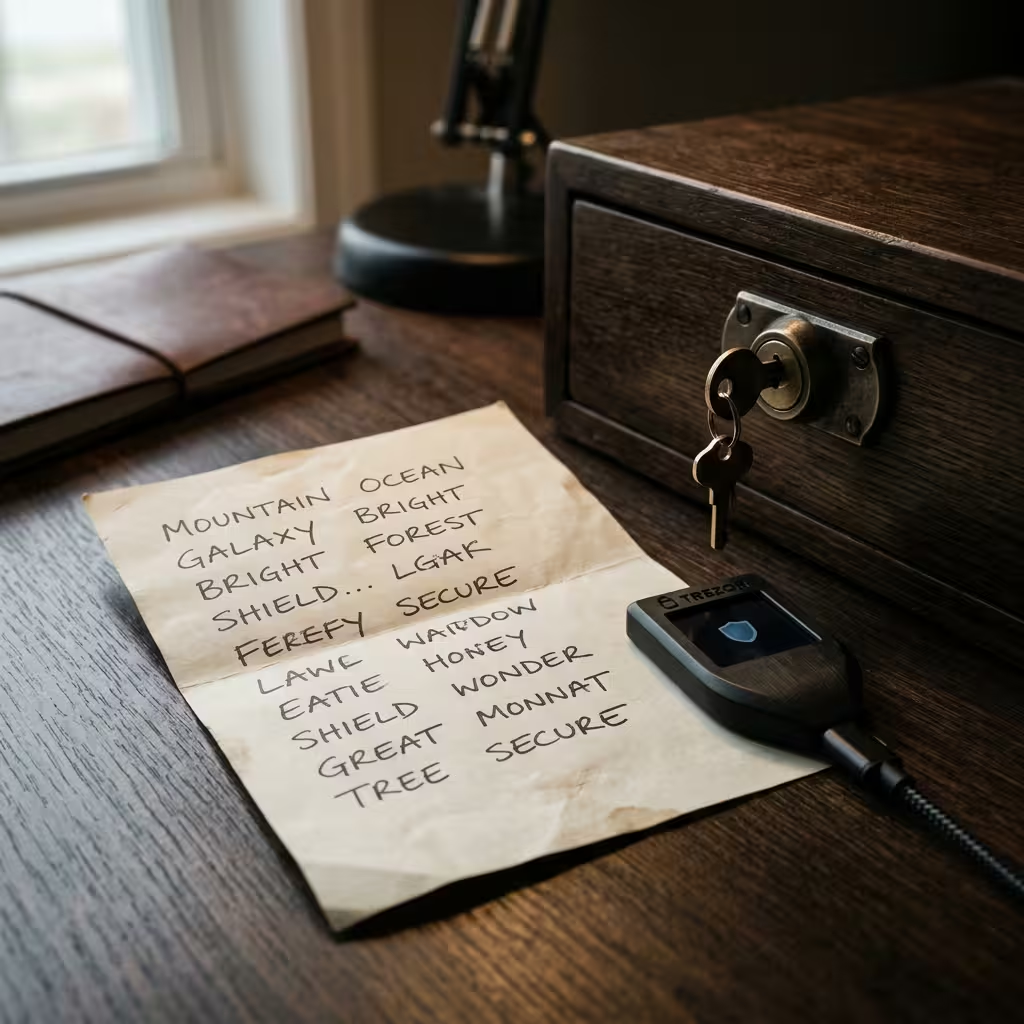
Short answer: Your seed phrase is the entire wallet restated as words. Keep it offline, keep backups, and never type it anywhere except your own wallet’s recovery flow.
- Never store it digitally, in any form. No screenshots, no cloud storage, no notes apps, no photos. A connected device is a device a hacker can eventually reach.
- Use a durable physical backup. Paper works, but it burns and floods. A metal backup solution survives fire and water in a way a notebook can’t.
- Keep more than one copy, in separate locations. One house fire or flood shouldn’t wipe out your only backup.
- Never enter it anywhere except your wallet’s official recovery flow. No legitimate exchange, wallet provider, or support agent will ever ask for your seed phrase. If someone does, it’s theft — guaranteed.
- Watch for physical phishing, not just email scams. Ledger has documented a physical mail phishing scam in which fraudsters mail letters posing as official security notices, complete with QR codes that lead to fake sites designed to capture your recovery phrase. Even hardware wallet owners aren’t immune to a well-designed social engineering attempt.
Takeaway: If your seed phrase ever touches the internet — or a stranger — assume your funds are at risk.
When Should You Upgrade to a Hardware Wallet?
Short answer: Upgrade whenever the amount sitting in a hot wallet or on an exchange would genuinely upset you to lose.
There’s no fixed dollar threshold. For some people that’s a few hundred dollars; for others it’s a few thousand. The number is personal — the logic isn’t.
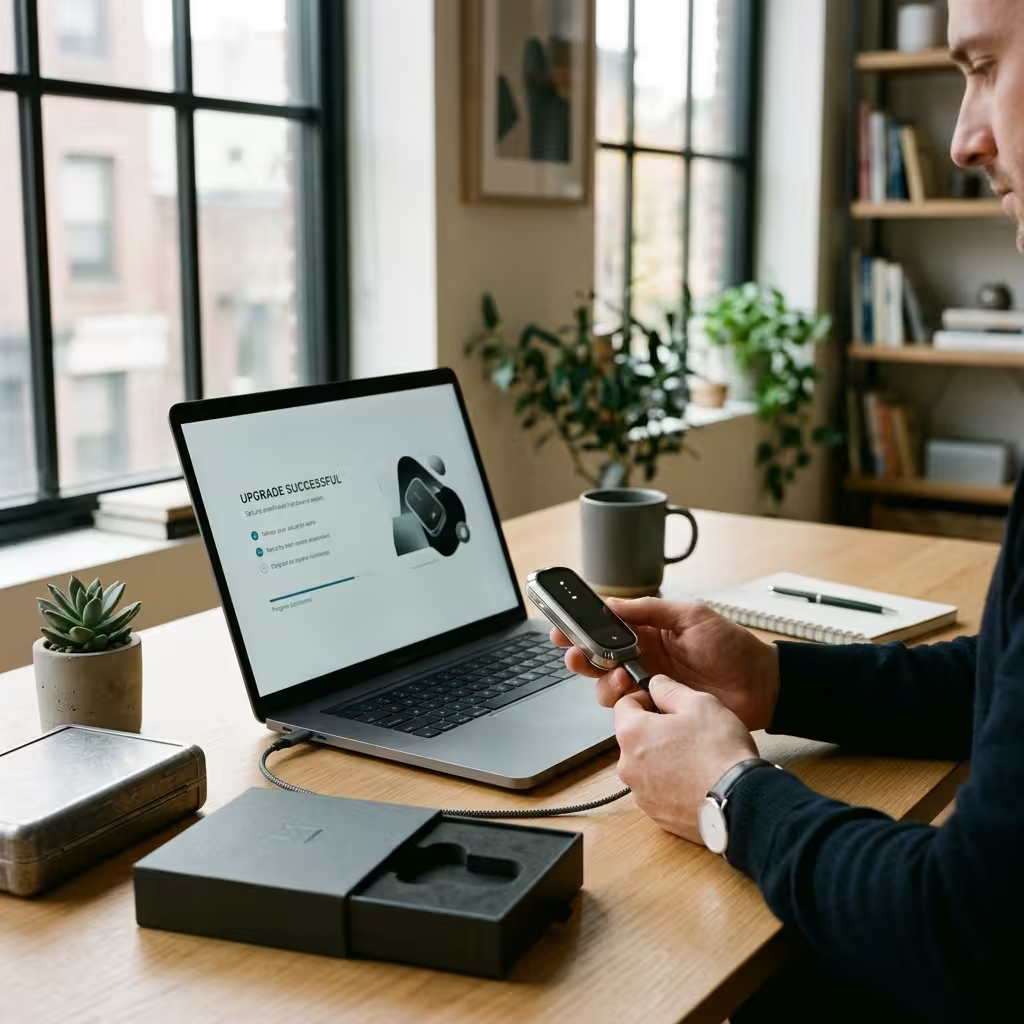
A hardware wallet like a Ledger Nano or Trezor Safe requires a physical button press on the device to sign any transaction. As Ledger Academy explains, the private key is generated and stored inside a certified secure element chip and never leaves it — so even if malware infects your computer, it can’t approve a transaction without physical access to the device.
The setup follows the same logic as a software wallet, with two additions specific to physical devices:
- Buy directly from the manufacturer. Purchase from the official Ledger or Trezor store, never a marketplace reseller. Secondhand or unofficial devices carry supply-chain risk — the hardware may already be tampered with before it reaches you.
- Generate the seed phrase on the device itself, not on a companion app or website, and confirm the device arrived with no pre-filled recovery card.
Once it’s initialized and you’ve completed a small test transaction, move your holdings over in stages rather than all at once. Confirm the process works before committing the bulk of what you’re protecting.e completed a small test transaction, move your holdings over in stages rather than all at once — confirm the process works before committing the bulk of what you’re protecting.
What Security Habits Actually Prevent Loss?
Short answer: Setup is a single event. These habits are ongoing — and they matter more over time than the wallet brand you picked.
- Use app-based two-factor authentication, never SMS. SIM-swap attacks — where a scammer convinces your carrier to move your number to their device — can bypass SMS codes entirely. An authenticator app keeps the code on your physical device.
- Verify full wallet addresses, not just the first and last few characters. Clipboard-hijacking malware can swap an address after you copy it, and checking a handful of characters isn’t enough to catch a clever substitution.
- Review and revoke smart contract approvals periodically. If you use DeFi apps through a hot wallet, old permissions can be exploited months after you granted them.
- Update firmware and apps promptly. Both hardware and software providers patch known vulnerabilities regularly. An outdated wallet runs with known holes left open.
- Keep the bulk of your holdings in cold storage. A layered approach limits how much is exposed if any single wallet is ever compromised.
Takeaway: Great security is a routine, not a one-time checkbox. A few simple habits protect you far better than any single device.
People Also Ask
Do I need a hardware wallet as a beginner?
Not necessarily right away. If you’re holding a small amount to learn the process, a reputable hot wallet or an MPC wallet like Zengo is a reasonable starting point. Move to a hardware wallet once your holdings reach an amount that would genuinely hurt to lose.
What happens if I lose my seed phrase?
If you lose your seed phrase and also lose access to the device or app it was tied to, the funds are gone permanently. As MetaMask notes in its recovery documentation, there’s no password reset and no way to recover a self-custodial wallet without it.
Is a wallet on an exchange the same as a personal wallet?
No. Funds on an exchange wallet like Coinbase or Binance are held in a custodial wallet — the exchange controls the private keys, not you. It functions more like a bank account than true ownership.
Can someone steal my crypto if they only have my wallet address?
No. Your wallet address (public key) is safe to share — it only lets people send you funds, not move funds out. Only your private key or seed phrase can authorize an outgoing transaction.
Is MetaMask safe for beginners?
MetaMask is a widely used non-custodial DeFi wallet, well suited for interacting with decentralized apps and NFTs. Like any hot wallet, its safety depends on your habits: official downloads only, careful address verification, and a seed phrase stored offline.
Should I keep all my crypto in one wallet?
Most experienced holders don’t. A layered approach — a small amount in a hot wallet for spending or trading, and the bulk in cold storage — limits how much is exposed if any single wallet is compromised.
What’s the safest crypto wallet for a beginner with a small amount?
For small, learning-stage balances, a seedless MPC wallet offers strong security with easy recovery. As your holdings grow, a hardware wallet becomes the safest option for cold storage.
Can I use a hot wallet and a cold wallet together?
Absolutely — and most experienced users do! Keep spending money in a hot wallet and long-term savings in cold storage. It’s the easiest way to balance convenience and security.
General information only. This article does not constitute financial or investment advice. Consult a licensed financial advisor before making decisions about digital asset custody.
Cryptocurrency · Editorial Integrity
Sources & Citations
The official documentation, security guidance, and regulatory materials behind this beginner guide to crypto wallets — including self-custody, seed phrase recovery, hardware wallets, cold storage, phishing risks, and exchange custody risk.
This article relies on official wallet support documentation, hardware wallet educational resources, and public regulatory alerts to explain how crypto wallets work and where beginners face the biggest risks. Source priority was given to primary documentation on recovery phrases, private-key custody, cold storage behavior, phishing methods, and the real-world risks tied to storing assets with centralized platforms. Because wallet features and security guidance can evolve, readers should always verify the latest official documentation before acting.
View full sources, methodology, and editorial notes
This beginner wallet guide was developed using primary wallet documentation, official hardware wallet educational materials, public scam-prevention guidance, and regulatory alerts discussing platform insolvency and digital asset custody. Preference was given to original documentation and named public agencies where they directly supported claims about hot wallets, cold wallets, recovery phrases, self-custody, phishing, and centralized exchange risk. This article is educational information only and does not constitute financial, legal, or investment advice.
- Recovery phrase and self-custody basics: MetaMask Support — Secret Recovery Phrase, password, and private keys — cited for how self-custodial wallets rely on recovery phrases, why they must never be shared, and why lost recovery access cannot be reset by a provider.
- Hardware wallet fundamentals: Ledger Academy — What Is a Hardware Wallet? — cited for how hardware wallets generate and store private keys offline and why offline signing reduces online attack exposure.
- Cold wallet definition and use case: Ledger Academy — What Is a Cold Wallet? — cited for the distinction between cold wallets and hardware wallets, and for explaining cold storage use cases for long-term asset protection.
- Physical mail phishing warning: Ledger Support — Physical Mail Phishing Scam — cited to support the warning that scammers may use fake security notices and QR-code-based recovery phrase theft, including offline-looking social engineering tactics.
- Exchange custody and bankruptcy risk: Vermont Department of Financial Regulation — Investor Alert on Cryptocurrency Bankruptcy Cases — cited for real-world examples involving FTX, Celsius, and Voyager, and for the risks customers face when digital assets are held through troubled custodial platforms.
Crypto Wallets Explained for Beginners · Editorial Standards
Our Editorial Standards
Tech Capital Hub applies Google’s E-E-A-T framework to every beginner crypto guide by prioritizing plain-English explanations, official documentation, and named public sources over hype, assumptions, or recycled talking points. In this wallet guide, core claims are grounded in original documentation covering recovery phrases, self-custody, cold storage, hardware wallet behavior, phishing risks, and custodial platform failures. Where wallet features or security guidance can change over time, we encourage readers to verify the latest official materials before making decisions about digital asset storage.
View how our editorial standards apply to this article
Written for Beginners Who Need Clarity First
This article is structured for readers who are new to crypto wallets and need the basics explained without technical overload. It breaks down what wallets actually store, how public and private keys differ, why seed phrases matter, and how hot wallets, cold wallets, and custodial platforms fit different use cases. The goal is to reduce confusion before a beginner downloads a wallet or moves any funds.
Security Concepts Explained in Practical Terms
Rather than repeating jargon, this guide translates key custody and wallet-security concepts into plain language readers can act on. It explains recovery phrases, hardware wallet setup logic, hot-versus-cold trade-offs, phishing exposure, and the difference between holding assets on an exchange versus holding your own keys. Complex topics are simplified without stripping away their real-world consequences.
Backed by Official Documentation and Public Alerts
Specific claims are supported by original documentation and named public references wherever possible. Recovery phrase and self-custody guidance draws on wallet-provider support materials, cold-storage and hardware-wallet explanations rely on official educational documentation, phishing warnings reference public scam advisories, and custodial platform risk is illustrated using regulator-backed alerts involving major crypto bankruptcies.
Honest About Risk, Responsibility, and Trade-offs
This guide does not present any wallet type as perfect. Hot wallets offer convenience but more exposure to online threats. Cold wallets improve security but add responsibility. Self-custody gives control but removes recovery safety nets. Exchange custody may feel easier but introduces platform risk. The article is educational only, avoids promising safety or returns, and is open to corrections or source challenges through the Tech Capital Hub editorial team.
Crypto Wallets Explained for Beginners · About the Author
Marcus Delray
Fintech Analyst · Founder of Tech Capital Hub
Marcus Delray is a fintech analyst and the founder of Tech Capital Hub. In this beginner-friendly guide, he explains how crypto wallets really work, what private keys and seed phrases actually do, how hot wallets differ from cold wallets, and why custody matters more than most first-time investors realize. The goal is simple: make crypto wallet security clear enough for beginners to act on confidently.
View full author bio, credentials, and links
Marcus Delray has spent over a decade researching financial technology, blockchain infrastructure, digital custody, and emerging internet-based financial systems. He built Tech Capital Hub to turn dense financial topics into practical, readable guides for everyday users — especially readers who want straight answers without hype.
In this article, Marcus walks beginners through the fundamentals of crypto wallet security in plain language. He explains what a wallet actually stores, how public and private keys work, why recovery phrases are so important, and where the real trade-offs sit between convenience and control. The guide also covers hot wallets versus cold wallets, custodial versus non-custodial storage, common phishing risks, and the point at which many users should consider upgrading to a hardware wallet. Coverage is grounded in official wallet documentation, security guidance, and public regulatory alerts wherever those sources directly support a claim. All content is educational information only and not financial, legal, or investment advice.
- Explains crypto wallets for beginners in clear, jargon-light language that focuses on understanding before action
- Breaks down hot wallets, cold wallets, exchange custody, and self-custody using practical real-world comparisons
- Highlights core security concepts including private keys, seed phrases, phishing risks, and safe wallet setup habits
- Covers when hardware wallets make sense for long-term storage and higher-value holdings
- Grounds key claims in official wallet support materials, hardware wallet documentation, and regulator-backed alerts about custodial platform risk
Enjoying our content?
Click below to add us as a preferred source. Google will prioritize our latest articles in your Top Stories, AI Mode, and AI Overviews.
Preferred Source on Google


2 thoughts on “Crypto Wallets Explained for Beginners: Hot vs Cold and Which One You Need”