
Top 5 Freelance Banking Apps with Invoicing to Stop the Chase

About the Author

Marcus Delray
Fintech Analyst, Business Banking Researcher & Founder
Marcus Delray is an independent fintech analyst and financial technology writer who tests digital freelance banking apps with invoicing. For this guide, he evaluates freelance banking apps with built-in invoicing, comparing how each one handles invoice creation, payment tracking, and everyday money tools. He digs into fee structures, APY tiers, FDIC coverage, and automated tax features so solo earners can pick an app that turns getting paid into a smoother, faster process.
- Nearly a decade reviewing freelance banking platforms and invoicing-integrated business accounts
- Hands-on testing of built-in invoicing, payment tracking, and reminder tools inside neobank apps
- Deep knowledge of FDIC insurance structures and sweep network coverage limits
- Specialist in neobank fee analysis, APY comparisons, and automated invoicing and tax tools for solo business owners
Editorial Integrity
Sources & References
Verified IRS, SBA, FinCEN & CFPB Guidance on Invoicing, Records & Business Banking
Tech Capital Hub evaluates freelance banking apps with built-in invoicing using authoritative public guidance from tax, compliance, consumer-finance, and small-business agencies. Claims about invoice recordkeeping, payment documentation, business account setup, and how getting paid affects your tax records should always be checked against current government guidance and each provider’s own fee schedules and disclosures before you act.
- IRS: Recordkeeping — guidance on tracking sales, payments, and other business transactions, directly relevant to how invoicing apps log and store your freelance income.
- IRS: What Kind of Records Should I Keep — details on supporting documents like invoices, receipts, and proof of payment, the exact records a built-in invoicing feature helps you generate and retain.
- U.S. Small Business Administration: Open a Business Bank Account — overview of why freelancers benefit from a dedicated business account when receiving invoice payments and separating income.
- FinCEN: Beneficial Ownership Information Reporting — official BOI guidance relevant to freelancers who form an LLC and open a business banking app to collect invoiced payments.
- Consumer Financial Protection Bureau: Bank Account Basics — consumer guidance on account features, fees, and money management that shapes how you compare invoicing-enabled banking apps.
- Provider Terms & Disclosures: Official product pages, invoicing feature details, fee schedules, payment-processing terms, and eligibility disclosures from each banking app reviewed in this article.
Our Editorial Standards
Tech Capital Hub reviews freelance banking apps with built-in invoicing using a hands-on research process backed by real app testing, provider disclosures, and publicly available government guidance. For guides like this one, we test how each app creates invoices, tracks payments, and sends reminders, then compare APY tiers, fee structures, FDIC coverage, and account eligibility terms so solo earners can choose a tool that makes getting paid faster and easier. We clearly separate general educational guidance from financial, tax, or legal advice.
Best Banking Apps for Freelancers With Invoicing
The best banking apps for freelancers with invoicing combine business banking, invoice creation, payment collection, and cash-flow visibility in one place. We compared five platforms on invoicing features, payment speed, fees, APY, tax support, and freelancer fit.
- Found — Best overall for solo freelancers
- Bluevine — Best for high balances and APY
- Relay — Best for cash-flow organization
- Mercury — Best for automation-heavy workflows
- Novo — Best for Stripe-based freelancers
This guide is built for freelancers, solo business owners, and small service operators who want to cut manual reconciliation, get paid faster, and run invoicing and banking from one place.
Jess spent three hours every Friday chasing a $600 invoice.
She’s a freelance web designer in Denver. Her billing setup in 2023 was: invoice through Wave, get paid into Stripe, transfer to her personal Chase account, manually reconcile in a spreadsheet. Four tools. Four logins. Four potential failure points.
Choosing the right platform ends most of that chaos — start with our roundup of the best digital banking apps for freelancers.
Her biggest frustration wasn’t the invoicing itself. It was the gap. A client paid the invoice in Wave. The money showed up in Stripe two days later. She transferred it to Chase the next morning. By the time it landed in her account, she had no idea which project it was for without going back through all four systems.
She kept a spreadsheet for reconciliation. She spent about two hours a week maintaining it. At her $90 hourly rate, that was $180 a week she was spending on administrative work that produced nothing.
In 2026, this setup is unnecessary. The best freelance banking apps with invoicing now handle the full cycle — create the invoice, process the payment, deposit the money, and update the records — in one place. The three-hour Friday chase is gone.
Here are five platforms that genuinely do this well, with an honest case for each one.
Quick note: nothing here is financial advice. All fees and APYs are based on market data as of mid-2026 — verify current terms directly with the provider before signing up.
Found
For solo freelancers who want invoicing and tax organization in one place.
Bluevine
For freelancers who keep larger balances and want yield on idle cash.
Relay
For Profit First users managing multiple income buckets.
Mercury
For tech-forward businesses that want deeper reporting and workflows.
Novo
For freelancers who rely on Stripe and want faster access to payouts.
| Platform | Best For | Monthly Fee | Max Interest (APY) | Core Invoicing Feature |
|---|---|---|---|---|
| Bluevine | High revenue & high yield | $0 – $95 (waivable) | Up to 3.0% | Stripe integration checkout |
| Found | Solo freelancers & automated taxes | $0 | 1.50% – 2.50% | Real-time tax withholding buckets |
| Relay | Cash flow management (Profit First) | $0 | Up to 3.0% | AI-driven OCR document scanning |
| Mercury | Tech startups & deep automation | $0 | Up to 1.5% | Model Context Protocol AI co-pilot |
| Novo | Fast Stripe payment clearing | $0 | 0.0% | Novo Boost rapid processing |
Table of Contents
Why Freelance Banking Apps with Invoicing Changes the Math
Before we get into the platforms, one number worth understanding: the average freelancer saves 5 to 10 hours a month when they move from a manual billing and reconciliation setup to an integrated system.
At a billable rate of $75 an hour, that’s $375 to $750 per month in recovered time. At $100 an hour, it’s $500 to $1,000. Standardized e-invoicing is projected to unlock $116 billion in annual economic benefits globally, and saves an estimated $15.16 per invoice on average in processing and administrative cost.
Those numbers aren’t from a marketing brochure. They’re from market research on the productivity impact of integrated billing systems.
The problem with the traditional setup — separate invoicing tool, separate payment processor, separate bank account — is reconciliation labor. Someone has to match every payment back to every invoice to every project. When that someone is you, it’s time that isn’t being billed.
The problem disappears when the invoicing, the payment, and the banking live in the same system.

1. Bluevine — Best for High-Revenue Freelancers Who Want Yield and Billing Together
Bluevine built its integration around a core idea: your business money should be earning while you wait for it, and paying it should be seamless.
The platform connects to Stripe, so freelancers can send invoice payment links that route clients to a Stripe checkout. When they pay, the money goes straight into Bluevine. No waiting around for a manual transfer. No three-day Stripe settlement sitting in limbo while you check your balance wondering if it cleared.
On the banking side, Bluevine’s Premier plan pays 3.0% APY on balances up to $3 million. For a freelancer keeping $50,000 in operating reserves — which includes a tax fund, an emergency buffer, and work-in-progress float — that’s $1,500 in annual passive income on money that’s just sitting there.
The late payment reminders aren’t built into Bluevine natively, but the Stripe connection handles payment tracking and notification workflows. Unpaid invoice tracking is visible through the integration dashboard.
There’s a line of credit available too — up to $250,000 for qualified businesses, with approval based on your Bluevine transaction history. For a freelancer who has maintained a clean, active account for 6 to 12 months, that credit access is a real asset.
Monthly fee: $0 (Standard), up to $95 (Premier, waivable with activity). APY: up to 3.0%.
Bluevine
How Invoicing Works
Bluevine lets you build and send customized bills straight from your account dashboard. You can add your business logo, track when clients open the files, and accept credit card payments easily through their built-in Stripe payment integration.
Pros
- Earns high high-yield interest on your checking balances up to $250,000.
- Provides up to 5 free sub-accounts to organize your business cash flow.
- Zero monthly maintenance fees and no minimum balance rules.
Cons
- You must spend $500 a month on their debit card to unlock the high interest rate.
- Charging cash deposits requires using retail networks that cost extra money per deposit.

2. Found — Best for Solo Freelancers Who Want Billing and Taxes Handled in One Place
Found built its product specifically around what solo freelancers actually struggle with: getting paid and not losing half of that payment to taxes they didn’t plan for.
The invoicing is built in. You create the invoice inside Found, send a payment link, and when the client pays, the money lands directly in your account. Here’s what actually sets it apart from every other platform: Found reads the deposit as income, automatically figures out your estimated tax liability on it, and moves that portion to a protected tax bucket — right then, in real time, without you deciding to do it.
This is the part that separates Found from every other platform on this list. Most invoicing integrations show you what came in. Found also immediately tells you what you owe on it and sets it aside.
For a freelancer who has ever opened an April tax bill and been genuinely surprised — which describes most new independent contractors — Found’s auto-tax mechanism is the feature that changes the experience of being self-employed. Quarterly estimates are handled inside the app. Schedule C generation is built in. 1099-NEC e-filing is included.
The client billing software experience is clean and mobile-first. Invoice templates are simple and professional. The payment gateway accepts credit cards and ACH transfers.
Monthly fee: $0 (Standard). APY: 1.50% to 2.50%.
Found
How Invoicing Works
Found offers completely free, unlimited invoices. The app tracks the invoice status in real-time. When a client pays you, Found can automatically route a fixed percentage of that money directly into a separate tax bucket so you never overspend.
Pros
- Automated tax tracking calculates your estimated Schedule C payments live.
- Write-off tools log business expenses automatically to lower your taxable income.
- No credit checks are required to open an account, making setup fast.
Cons
- The free tier does not pay any interest on your business deposits.
- You must pay a monthly subscription fee to unlock smart phone invoice scanning.
3. Relay — Best for Freelancers Using Profit First or Managing Multiple Revenue Streams
Relay’s billing and invoicing feature uses AI-driven OCR scanning. You upload a document — a contractor’s invoice, a receipt, a bill — and the system reads it automatically and autofills the invoice details. Less manual data entry. Faster billing cycles.
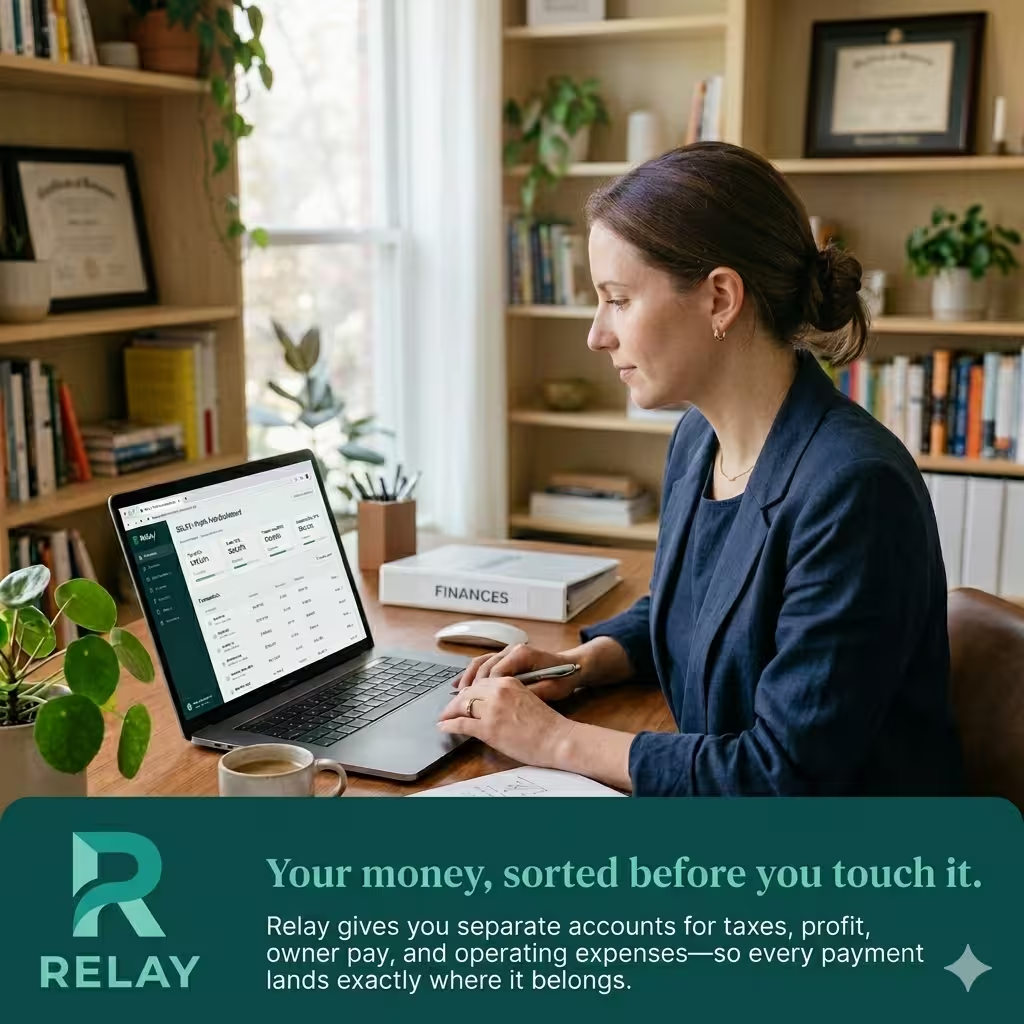
The core feature is 20 independent checking accounts, each with its own routing and account number. Profit First practitioners know what this means — you need actual separate accounts for taxes, owner pay, operating expenses, and profit reserves. Not sub-categories inside one account. Separate accounts, where the money physically lives in different places. Relay is built to support exactly that setup, with automated percentage-based transfer rules to route income between them.
The invoicing connects to the broader account structure, so when a payment arrives, it can route automatically to the right account based on rules you set once. A client’s $3,000 payment can automatically split: 30% to taxes, 10% to profit, 60% to operating. You set it once and it runs without you.
ACH and credit card processing both work for incoming client payments. When a client pays late, the reminders go out automatically based on the due date — you don’t have to remember to follow up. Payments arrive in whichever Relay account you’ve designated for that client or project.
For a freelancer who has multiple project types, multiple revenue streams, or just wants their cash to organize itself rather than requiring manual transfers, Relay is the most structurally sophisticated option on this list.
Monthly fee: $0 (Standard). APY: up to 3.0% (Savings).
Relay
How Invoicing Works
Relay relies heavily on deep software connections to handle your billing. It pulls unpaid invoice data directly from accounting platforms. It uses smart technology to scan incoming paper bills, check them for accuracy, and queue them up for batch payouts.
Pros
- Allows you to open up to 20 separate checking accounts to split business funds.
- Issue up to 50 physical or virtual debit cards for project team members.
- Integrates deeply with QuickBooks Online and Xero to stop bookkeeping errors.
Cons
- Automating your bill workflows requires upgrading to their paid premium tier.
- Does not offer any direct remote cash deposit options for local business sales.

4. Mercury — Best for Tech-Forward Freelancers and Agency Owners Who Want Deep Automation
Mercury is where invoicing meets agentic finance.
The platform recently added what it calls a Model Context Protocol (MCP) — an AI co-pilot that lets you query your banking and invoice data in natural language. You can ask “which clients haven’t paid this month?” or “what’s my receivables total for Q2?” and get answers without logging in and building a report.
For freelancers who manage multiple clients, track recurring retainers, and want real-time financial clarity without maintaining a spreadsheet, this is genuinely useful. The merchant service fees are transparent. The Stripe integration connects payment processing directly to the bank account without the usual two-day transfer lag.
FDIC insurance extends to $5 million through Mercury’s sweep network — the highest on this list. For an agency owner or high-revenue freelancer keeping significant cash in their operating account, that security level matters.
The billing tools are well-designed without being cluttered. Invoice templates look professional out of the box. White-label branding is available if you want your own logo on the client-facing documents. Payment links work for both ACH and cards. When an invoice goes unpaid, it shows on the main dashboard without requiring a separate report — you see it when you log in.
Mercury Treasury — the money market fund option — offers APY around 1.5% (note: SIPC protection, not FDIC). For short-term reserves and client billing float, this produces a meaningful return on cash sitting between invoice and expense.
Monthly fee: $0. APY: up to 1.5% (Treasury).
Mercury
How Invoicing Works
Mercury treats billing as an automated tech stack process. It features a special developer framework tool. This lets tech-savvy users build custom automatic billing pathways and sync payment tracking into their own business apps.
Pros
- Includes completely free domestic and international wire transfers.
- Gives you access to venture capital networks and startup cash rewards.
- Excellent browser dashboard with fast keyboard shortcuts for busy founders.
Cons
- Sole proprietors without official company registration cannot open accounts easily.
- The platform lacks standard consumer banking features like local check printing.
5. Novo — Best for E-commerce Freelancers and Those Living Inside Stripe
Novo built its invoicing around one core integration: Stripe payouts hit your Novo account faster than any other platform.
The feature is called Novo Boost. It clears Stripe payments in hours rather than the standard two to three day settlement. For a freelancer whose income is driven by digital product sales, subscription clients, or any Stripe-based billing, this speed difference is real and valuable.
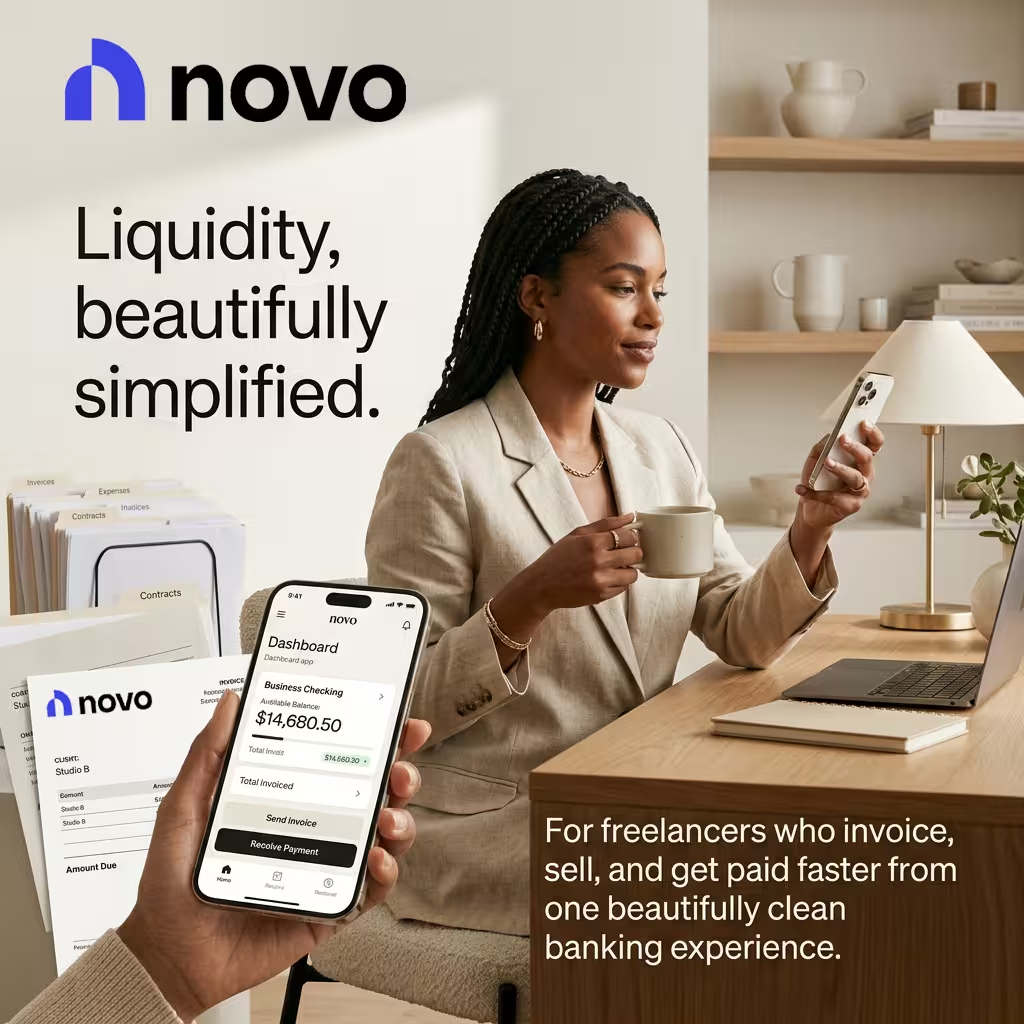
The invoicing inside Novo is clean. You build an invoice, pick a client, set your payment terms, and send a link — the whole process takes about two minutes. When the client pays through the Stripe checkout, it deposits directly. Automated billing receipts go out on every cleared transaction. Reminders for overdue invoices fire automatically on the due date.
Novo doesn’t pay APY — the focus is liquidity and speed, not yield. For a freelancer with tight cash flow who needs money available quickly, that trade-off makes sense. For a freelancer maintaining significant reserves who wants to earn on idle cash, another platform on this list serves that need better.
The mobile banking UI is one of the cleanest on the market. Everything runs from the phone. No desktop required.
Monthly fee: $0. APY: 0.0%.
Novo
How Invoicing Works
Novo features a built-in invoice creator that lets you generate professional bills in seconds. It connects to major digital payment portals. If you use their specialized setup, you can bypass standard multi-day processing holds to get your cash hours faster.
Pros
- Refunds all automated teller machine (ATM) fees worldwide at the end of the month.
- Novo Boost lets you access your digital store earnings much faster than normal banks.
- Integrates with Shopify, eBay, and Etsy to track product orders easily.
Cons
- The platform does not provide standard checkbooks for writing physical business payments.
- You cannot earn any interest on your account money, regardless of balance size.
How to Open a Freelance Business Account
Opening a business bank account online is fast. Most digital fintech platforms allow you to complete the application process in less than 10 minutes. Follow this exact mechanical sequence to get your account approved without delays.
Gather Your Mandatory Paperwork
Before opening any bank application tab, organize your legal documents into a single folder on your desktop. Financial platforms must verify your identity by law. You will need:
- Government-Issued ID: A crisp, clear color photo or scan of your Driver’s License or Passport.
- Tax Identification Number: Your Social Security Number (SSN) if you operate as a Sole Proprietor, or an Employer Identification Number (EIN) issued by the IRS.
- Business Formation Documents: If you run an LLC, have your certified Articles of Organization ready.
- Proof of Address: A recent utility bill or official document that proves where you live or work. This checklist walks through every one of the documents needed to open a business bank account.
Complete the Digital Application
Navigate to your chosen banking app and click the sign-up button.
- Create Security Credentials: Input a secure business email and choose a strong password. Enable Two-Factor Authentication (2FA) immediately using an authenticator app.
- Input Personal Details: Enter your legal name, home address, and date of birth to satisfy federal identity checks.
- Input Business Details: State your business type (e.g., Sole Proprietorship or Single-Member LLC). Provide a brief, clear description of your freelance services (such as “Freelance Graphic Design” or “Software Consulting”).
Upload Documents and Pass Verification
The banking platform will ask you to upload the documents you gathered in Step 1.
- Upload the front and back of your photo ID. Ensure there is no flash glare cutting off the text.
- Submit your EIN confirmation letter (Form CP 575) if applicable.
- Some apps will require a quick selfie verification using your smartphone camera to prove you match your ID card.
Make Your Initial Funding Deposit
Once the bank approves your profile, you must activate the account by adding money.
- Log into your personal bank app.
- Link your personal account to your new freelance business account using secure tools like Plaid.
- Trigger an initial Electronic Funds Transfer (EFT). Even a small deposit of $10 to $20 will successfully activate the new account features.
Configure Your Invoicing and Accounting Tools
Do not wait for a client payment to set up your workflow. Finalize your workspace immediately.
- Navigate to the “Invoices” tab inside your banking dashboard. Upload your business logo and input your standard payment terms (e.g., “Due Upon Receipt” or “Net 30”).
- Go to the integrations menu. Click to sync your bank account feed directly with your external accounting tool, like QuickBooks or Xero.
- Order your physical business debit card through the app interface. While waiting for it to arrive by mail, add the digital version of the card to your Apple Wallet or Google Pay for instant business expenses.
Global Freelancer Alert
Global Freelancer Alert: Multi-Currency & Cross-Border Limits
Most of the top US business fintech apps (like Found, Bluevine, and Novo) are built strictly for US residents with domestic clients. If you regularly bill international clients in foreign currencies like Euros (€) or British Pounds (£), you will face hidden friction points:
- Expensive Wire Fees: Incoming international swift wires can cost between $10 to $15 per transaction.
- Bad Exchange Rates: Standard platforms often markup currency exchange rates by 1% to 3% above the true market value.
- No Local Global Details: You cannot generate unique local IBAN or Sort Code routing numbers to let European clients pay you via local bank networks.
The Fix: If more than 20% of your freelance revenue comes from outside the United States, consider linking your main business account to a dedicated multi-currency hub like Wise Business or Revolut Business to save money on global invoicing.
How to Pick the Right One for Your Setup
The question is what currently costs you the most time.
Chasing unpaid invoices and reconciling payments? Bluevine’s Stripe connection and Relay’s OCR invoicing both reduce that labor significantly.
Getting hit with tax surprises every quarter? Found’s auto-tax mechanism is the only platform on this list that handles estimated taxes and 1099 filing inside the banking app.
Managing multiple revenue streams or using Profit First? Relay’s 20-account structure is built for exactly this.
Living inside Stripe and needing payments fast? Novo Boost is the fastest Stripe payout clearing available.
Running an agency or managing significant operating reserves? Mercury’s MCP automation and $5 million FDIC coverage are worth the platform switch.
One practical note on merchant service fees: credit card processing typically runs 2.9% + $0.30 per transaction through Stripe-connected platforms. ACH transfers through these platforms are often significantly cheaper — around 1% — and worth using whenever a client is willing. On a $3,000 invoice, the fee difference between credit card and ACH processing is about $57.
Questions People Actually Ask
What are the best free digital business accounts with automated invoicing?
Found, Mercury, Novo, and Relay all rank among the free business bank accounts for freelancers with built-in invoicing tools. Bluevine’s Standard plan is also $0. For tax automation bundled with invoicing, Found is the strongest free option. For Stripe-speed payouts, Novo. For yield plus billing, Bluevine Premier (fee waivable with activity).
How do I send professional invoices from my mobile banking app?
All five platforms support mobile invoicing. Found and Novo are the most mobile-native — both were designed for phone-first use. Mercury’s app connects to the AI co-pilot for natural language payment queries. Relay handles the full 20-account structure from mobile. If you’re choosing based on mobile experience alone, Found or Novo is where to start.
Which banking apps automatically track unpaid client invoices?
All five platforms include unpaid invoice tracking. Mercury’s MCP allows natural language queries on invoice status. Found shows outstanding payments on the main dashboard. Novo’s Stripe integration gives real-time payment status. Relay’s invoicing module sends automated late payment reminders. Bluevine tracks outstanding invoices through the Stripe integration dashboard.
Which freelance mobile banking apps auto-generate billing receipts?
Novo generates automated billing receipts automatically on every cleared transaction. Found creates a receipt and records it against the relevant tax category simultaneously. Relay creates a receipt and routes the payment to the designated sub-account. Mercury auto-generates receipts tied to client records and visible in the invoice history. All five platforms timestamp every cleared payment with a downloadable receipt.
What’s the difference between an all-in-one invoicing bank and using Stripe plus a separate bank account?
The core difference is reconciliation. With a separate setup, you match every Stripe payment to an invoice manually — or spend money on accounting software to do it. With an integrated platform, the payment and the invoice are in the same system and reconcile automatically. The time saved is 5 to 10 hours a month for most freelancers. At any billable rate above $50, that’s more than the cost of any premium plan on this list.
What Jess Does Now
She switched to Relay six months ago.
Her invoices go out through Relay. Clients pay through the invoice payment link. The money routes to the correct account based on the rules she set on day one — taxes get their 30%, profit gets its 10%, operating expenses get the rest.
She hasn’t touched a reconciliation spreadsheet since February.
Her accountant’s annual prep fee dropped by roughly $400 because the transaction records came in clean. Her effective billing rate went up because she recovered the two hours a week she was spending on administrative work that no client was paying for.
The three-hour Friday invoice chase is gone.
That’s the real case for freelance banking apps with invoicing in 2026. Not that they’re more technologically impressive than the old setup. That the math on your time lands differently when the tools aren’t working against you.
About the Author Marcus Delray covers banking platforms, invoicing tools, and financial technology for freelancers and small business owners. He has written about digital banking, payment processing, and business finance for nine years.
Disclaimer: This article is for general informational purposes only. It is not financial advice. All APYs, fees, and platform features are based on publicly available market data as of mid-2026 and are subject to change. Verify current terms directly with each provider before opening any account. The author and publisher accept no liability for outcomes based on this content.
Enjoying our content?
Click below to add us as a preferred source. Google will prioritize our latest articles in your Top Stories, AI Mode, and AI Overviews.
Preferred Source on Google