
What Is a Crypto Wallet? A Simple Beginner’s Guide
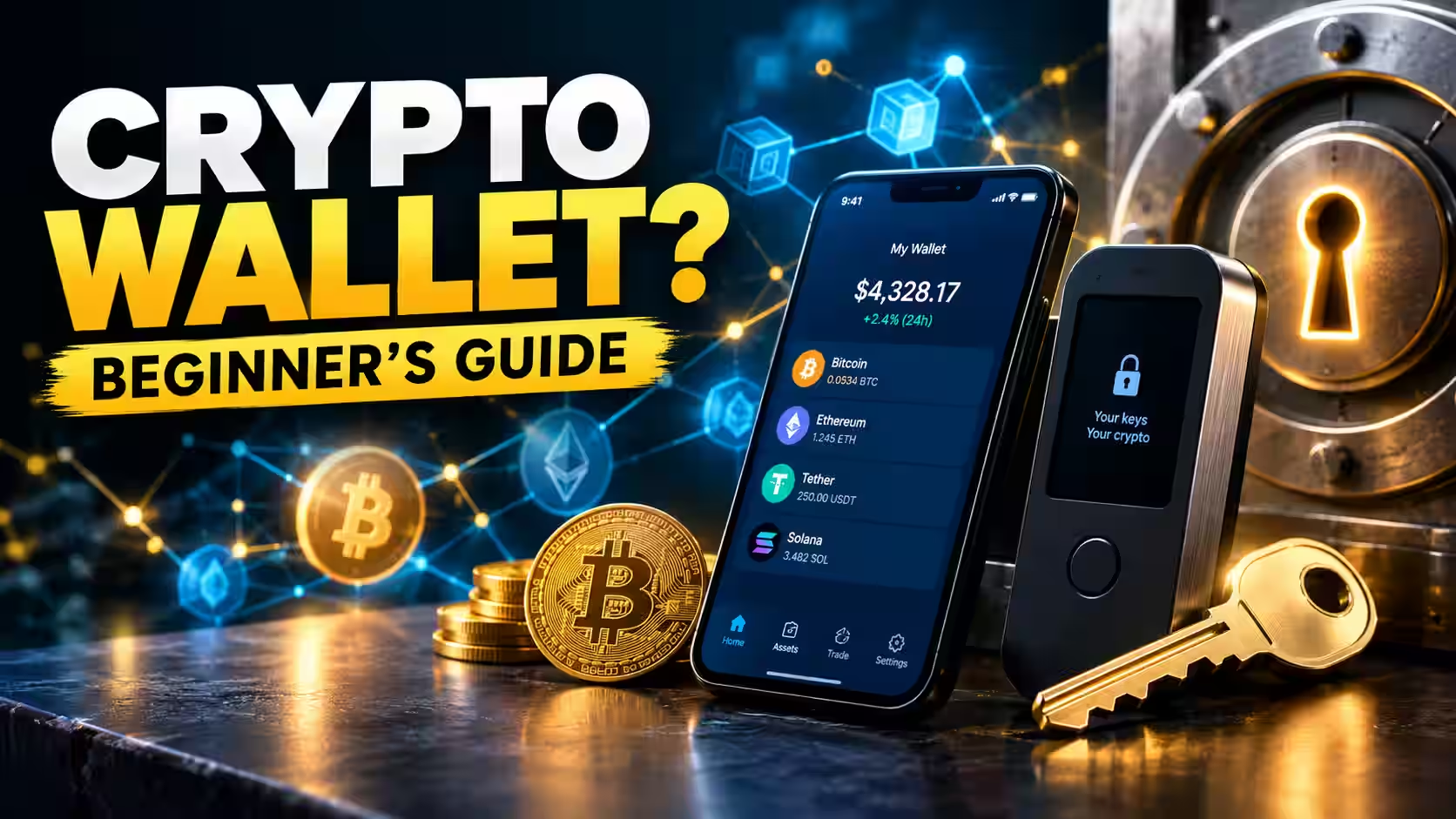

Fintech Analyst · Founder of Tech Capital Hub
Marcus has spent more than a decade researching blockchain and financial technology. This is the ultimate easy guide to crypto wallets for beginners! He breaks down exactly what a crypto wallet is, how your private keys and seed phrase keep your coins safe, the simple difference between hot and cold wallets, and the step-by-step way to pick and set up your very first wallet — the clear, beginner-friendly roadmap every newcomer will love!
Buying your first bit of crypto feels exciting — until you hit one confusing word: wallet. Where does your money actually go? Who holds it? And what happens if you lose access? Take a breath, because this is the easiest, clearest beginner’s guide to crypto wallets you’ll find!
Here’s the big idea, up front: a crypto wallet doesn’t hold your coins at all. Your crypto lives on the blockchain. Your wallet simply holds the keys that prove the coins are yours and let you move them.
By the end of this guide, you’ll know:
- What a crypto wallet really is (and what it isn’t)
- How wallets work, in plain English
- The difference between hot vs cold and custodial vs non-custodial wallets
- Which wallet fits your situation right now
- How to set yours up safely from day one
Let’s make this easy!
What Is a Crypto Wallet? (Simple Definition)
A crypto wallet is a tool — an app, a device, or even a piece of paper — that stores your private keys and lets you send, receive, and manage your cryptocurrency.
Think of it like the keyring to a safe deposit box. The money isn’t inside the keyring. The keyring just opens the box. Your actual crypto stays on the blockchain, and your wallet gives you the keys to reach it.
That’s the single most important thing to understand, and most beginners miss it. Even trusted sources say it plainly: wallets store your keys, not your coins, as Fidelity’s crypto wallet explainer and Coinbase’s crypto basics guide both confirm.
Quick answer: A crypto wallet is a device or app that secures your private keys, giving you access to the crypto that lives on the blockchain.
Table of Contents
How Do Crypto Wallets Work?
Every wallet is built around a small handful of pieces. Once you see how they fit together, the whole thing clicks!
The Private Key: Your Secret Password
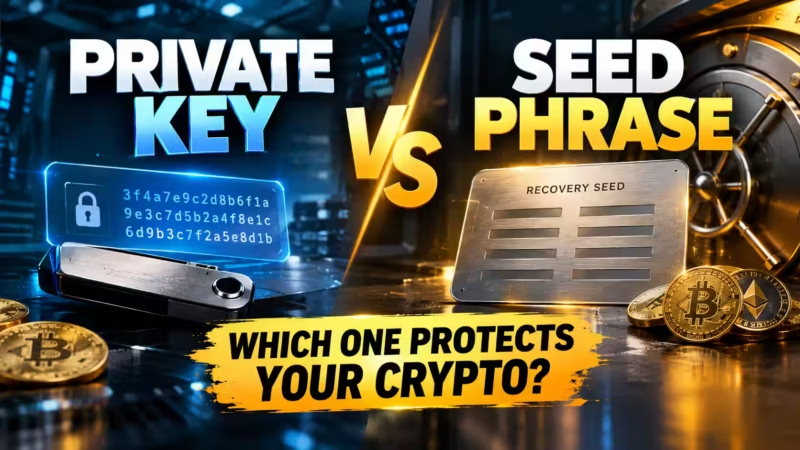
Your private key is a long, randomly generated secret. It proves ownership and unlocks the ability to spend your crypto. Whoever holds the private key controls the funds — full stop.
Guard it like the master key to everything you own. If someone else gets it, they can take your coins. If you lose it with no backup, your crypto can be gone forever.
The Public Key and Wallet Address
Your wallet address is like a username or email address for money. It’s the string you share when someone wants to send you crypto.
Sharing your wallet address is totally safe. It only lets people send to you — never take from you. As Ledger’s guide to crypto wallets explains, your address is public by design, while your private key stays hidden.
Transaction Signing
When you send crypto, your wallet uses your private key to “sign” the transaction. This signature is mathematical proof that the request is really yours, without ever revealing the key itself.
Here’s a smart habit to build early: always read what you’re approving before you confirm. Blindly signing a bad transaction is one of the most common ways beginners lose funds.
Reader win: You now understand private keys, wallet addresses, and signing — the three ideas that make every wallet work!
Where Is Your Crypto Actually Stored?
Not in your wallet. Not on your phone. Not on a little USB stick.
Your crypto lives on the blockchain — a giant, shared, public record spread across thousands of computers worldwide. That record always knows how much crypto belongs to each address.
Your wallet is simply the trusted way to access your slice of that record. This is why you can lose a hardware wallet and still recover every coin: the coins were never inside the device. They were on the blockchain the entire time, waiting for the right key.
The Main Types of Crypto Wallets
Wallets come in a few flavors, each with its own balance of ease and safety. Here’s the simple breakdown!
Hardware Wallets (Cold Storage)
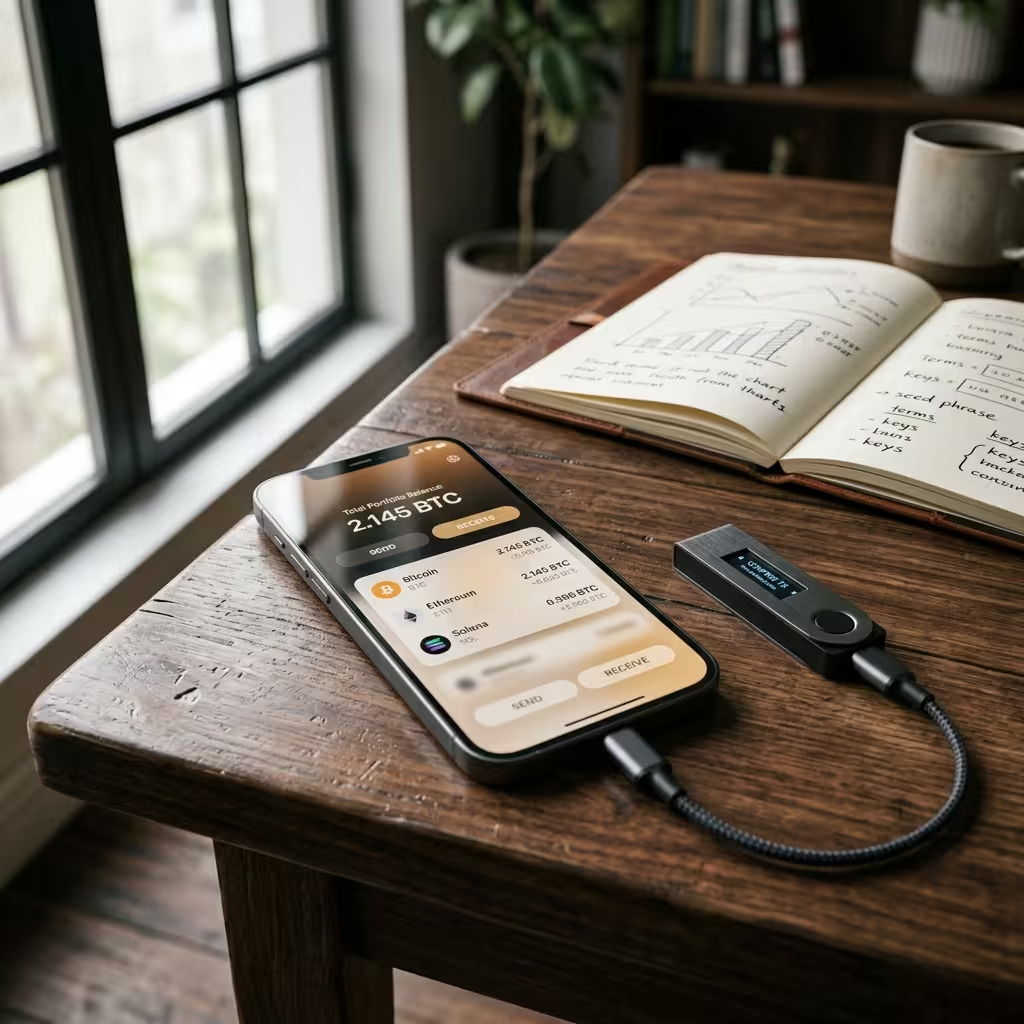
A hardware wallet is a small physical device that keeps your private keys offline. You plug it in only when you want to make a transaction, then unplug it.
Because the keys never touch the internet, hardware wallets offer the strongest everyday protection for your crypto. They’re great for larger amounts and long-term holding. If you want a real-world example of a beginner-friendly cold storage option, read our guide to what is Ledger wallet.
Software Wallets (Hot Wallets)
A software wallet is an app on your phone or computer. It’s free, fast to set up, and always connected to the internet — perfect for small amounts and frequent, everyday use.
The trade-off is exposure. Since it stays online, a software wallet is more vulnerable to phishing, malware, and hacks than a device that lives offline.
Exchange Wallets
When you buy crypto on a platform like Coinbase or Kraken, your coins land in an exchange wallet by default. The exchange holds the keys for you, so it feels as easy as any banking app.
The catch is that you’re trusting the platform to protect your funds. It’s convenient, but it’s the least private and least self-controlled option of the three.
Paper Wallets
A paper wallet is your keys printed or written on paper and tucked somewhere safe. It’s fully offline, but fragile — paper can be lost, burned, or damaged, and it’s clumsy to use. Most beginners can skip this one today.

Hot Wallet vs Cold Wallet: The Core Trade-Off
Here’s the key difference in one line: hot wallets are online and convenient, while cold wallets are offline and secure.
- Hot wallet: Connected to the internet. Fast, free, easy — best for small, active balances.
- Cold wallet: Kept offline. Extra secure — best for larger amounts and long-term storage.
Many experienced holders use both! A hot wallet for daily spending, and a cold wallet as the vault. Want to go deeper? See our full guide on hot wallet vs cold wallet.
Custodial vs Non-Custodial Wallets
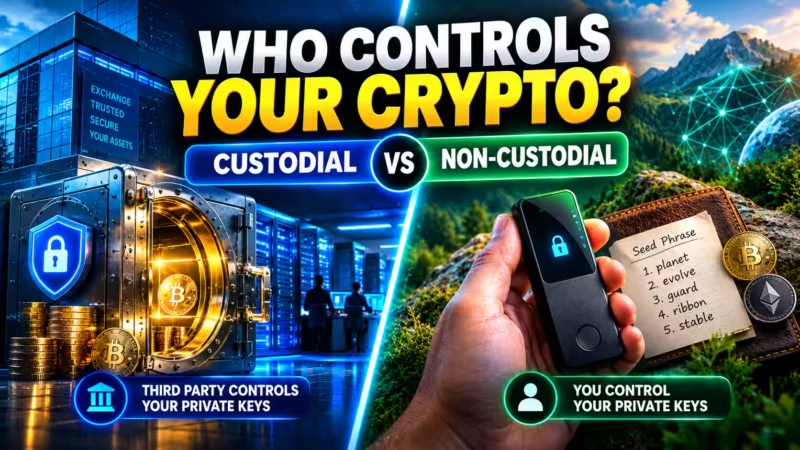
This choice comes down to one question: who holds the keys?
Custodial Wallets
With a custodial wallet, a company holds your private keys for you. Exchange accounts are the classic example.
- Pros: Easy setup, password recovery, familiar and beginner-friendly
- Cons: You rely entirely on the company’s security, and access can be frozen or lost if the platform fails
Non-Custodial Wallets
With a non-custodial wallet, you hold the keys. Nobody can freeze your funds or lock you out — but nobody can rescue you if you lose your backup, either.
- Pros: Full control, true ownership, no middleman
- Cons: All the responsibility rests on you
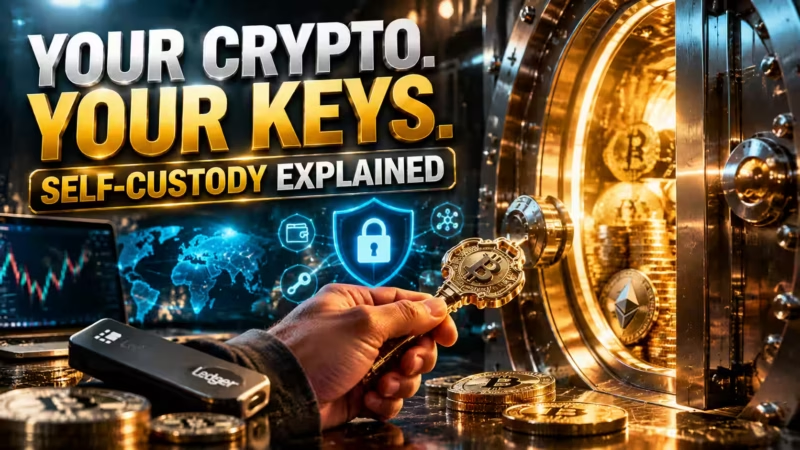
This is where the crypto saying “not your keys, not your crypto” comes from. Holding your own keys is called self-custody, and you can learn more in our guide to what self-custody means.
The Seed Phrase: Your Master Backup
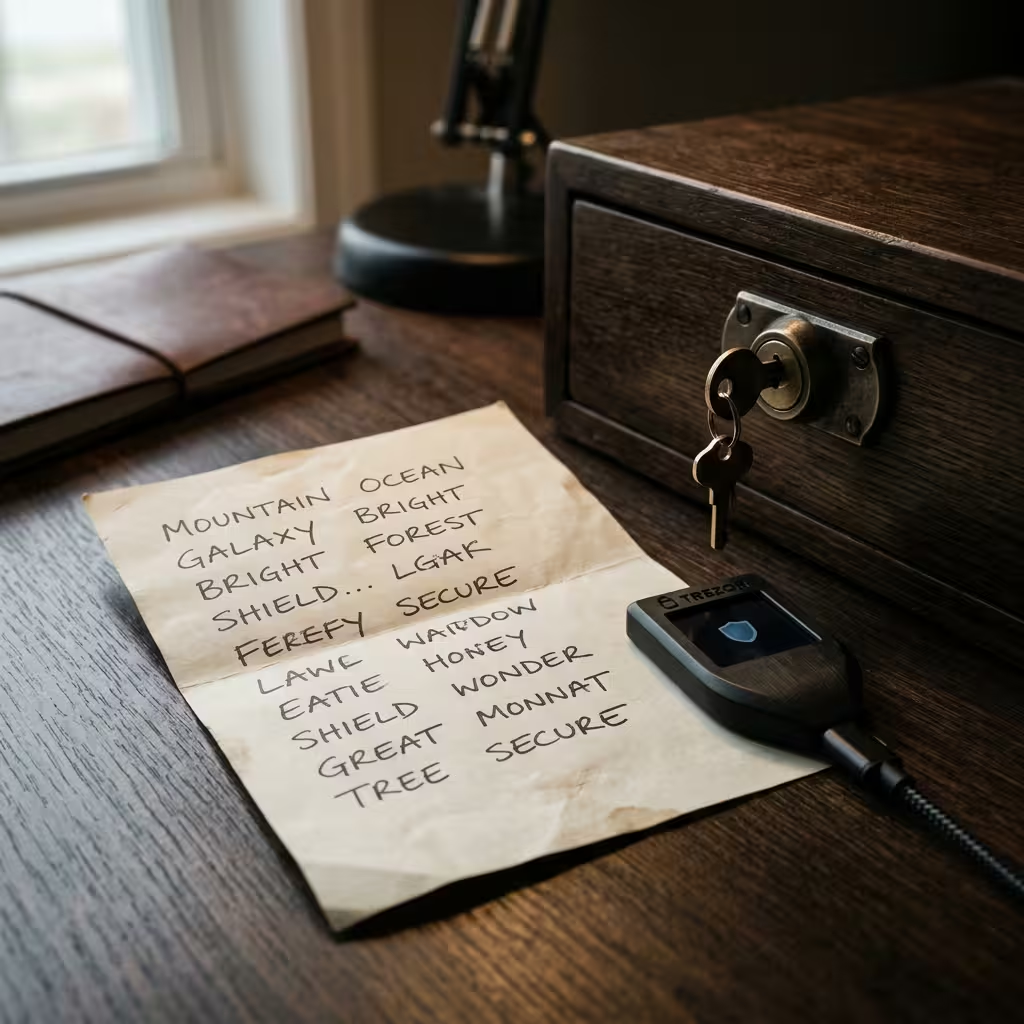
When you set up a non-custodial wallet, it gives you a seed phrase — usually 12 or 24 random words in a specific order. This recovery phrase is the master backup for everything in your wallet.
If your device is ever lost, stolen, or damaged, those words restore your entire wallet on a new device. That’s the magic of it — and also the responsibility.
Here are the golden rules for your seed phrase:
- Write it down offline. Pen and paper beats a screenshot every time.
- Never share it. No legitimate company will ever ask for it.
- Store copies safely. Think fireproof, waterproof, and far from prying eyes.
- Never type it into a website or pop-up. That’s a classic scam.
For a full walkthrough, read our dedicated guide to what a seed phrase is.
Beginner-Friendly Wallet Comparison Table
| Feature | Exchange Wallet | Software Wallet Hot | Hardware Wallet Cold |
|---|---|---|---|
| Custody | Custodial — the company holds your keys | Non-custodial — you hold your keys | Non-custodial — you hold your keys |
| Connection | Always online | Always online | Offline until you connect |
| Security Level | Depends on the platform | Moderate | Strongest |
| Ease of Use | Easiest | Easy | Moderate |
| Cost | Free | Usually free | ~$50–$400 |
| Recovery Options | Password reset via the platform | Your seed phrase restores it | Your seed phrase restores it |
| Ideal Amount to Store | Small amounts you’re actively trading | Small, everyday spending amounts | Larger, long-term holdings |
| Best For | Buying and trading | Frequent, hands-on use | Safe long-term storage |
Tip: You don’t have to pick just one! The easiest beginner setup pairs a hot wallet for spending with a cold wallet for savings.
Which Wallet Should You Choose?
Forget the “one perfect wallet” myth. The best crypto wallet for beginners is simply the one that matches how you’ll actually use crypto right now. Answer the scenario that fits you best!
“I just want to buy a little and try it out”
Start with a reputable exchange account. It’s the simplest on-ramp — you buy crypto with regular money, and the platform handles the keys for you. Turn on two-factor authentication right away. This is perfect for absolute beginners testing the waters with small amounts.
“I want to use crypto often for apps and small payments”
A software wallet on your phone or browser is your best match. It’s free, quick to set up, and always ready when you want to send, receive, or explore apps. Treat it like a spending wallet — keep only the amount you’d be comfortable carrying in a real wallet. Great for everyday, hands-on use.
“I’m holding a meaningful amount for the long term”
A hardware wallet is the clear winner. Your keys stay offline, so your savings are shielded from online threats even if your computer is compromised. It takes a few extra minutes to set up, but it’s the strongest protection you can give a serious stash.
“I want the best of both worlds”
Use two wallets together. Keep a small, active balance in a hot software wallet for daily use, and store the bulk of your holdings in a cold hardware wallet. This layered approach is what most experienced holders settle into — easy access when you need it, and ironclad protection for everything else.

Your First Wallet Setup Checklist
Setting up your first wallet is easier than it looks, and getting it right from the start protects you for years. Follow these steps in order!
- Download from official sources only. Use the project’s own website or a verified app store listing. Never install a wallet from an ad, an email, or a social media link.
- Create a new wallet inside the app. Let the software generate your keys and seed phrase. Never use a wallet that arrives with a pre-filled recovery phrase — that’s a red flag.
- Write your seed phrase on paper. You’ll see 12 to 24 words. Do not screenshot them, save them in a notes app, or email them to yourself.
- Confirm the phrase when asked. Re-entering it catches any copying mistakes before they become permanent.
- Set a strong PIN or biometric lock on the app or device itself, separate from the seed phrase.
- Send a small test transaction first. Move a few dollars’ worth of crypto to confirm everything works before transferring a larger amount.
That last step is the one beginners skip most often — and it’s the cheapest insurance in the whole process. A small test can save you from a costly mistake on a larger transfer.
Common Beginner Mistakes to Avoid
Most wallet losses aren’t caused by sophisticated hacks. They’re caused by simple, avoidable missteps. Dodge these and you’re already ahead of most newcomers!
- Storing your seed phrase online. Screenshots and cloud notes are prime targets for hackers. Keep it on paper, offline, always.
- Leaving everything on an exchange. Convenient, yes — but you’re trusting a third party with your entire stash. History has shown how badly that can go.
- Falling for “support” scams. No real company, ever, will ask for your seed phrase or private key. If someone does, walk away immediately.
- Blind signing transactions. Always read what you’re approving before you confirm. A malicious transaction can drain a wallet in seconds.
- Skipping the backup. Set up your recovery phrase the moment you create your wallet, not “later.” Later sometimes never comes.
- Not double-checking addresses. Verify the full wallet address before you send, not just the first and last few characters. Clipboard-hijacking malware exists, and it swaps addresses silently.
People Also Ask
What is a crypto wallet in simple terms?
It’s a tool — an app or a small device — that stores the private keys you use to access, send, and receive cryptocurrency. Your coins stay on the blockchain; the wallet holds the keys that prove they’re yours.
Do I need a wallet to buy crypto?
Not always. If you buy on an exchange, it provides a custodial wallet for you. But to truly own and control your crypto, a personal non-custodial wallet is the way to go.
Are crypto wallets free?
Most software and exchange wallets are free. Hardware wallets are physical devices, typically costing between $50 and $400.
Is a crypto wallet the same as an exchange?
No. An exchange is a marketplace for buying and selling. A personal wallet is where you store and control your own crypto with your own keys.
What happens if I lose my seed phrase?
If you lose your seed phrase and also lose access to your device, you permanently lose access to your crypto. No one can recover it for you — which is exactly why offline backups matter so much.
Can someone steal my crypto if they only have my wallet address?
No. Your wallet address is safe to share — it only lets people send funds to you. Only your private key or seed phrase can authorize an outgoing transaction.
Can I have more than one wallet?
Absolutely! Many people use a hot wallet for daily spending and a cold wallet for long-term savings. It’s a smart, flexible setup.
Which crypto wallet is best for beginners?
There’s no single winner. Start with a reputable exchange or trusted software wallet for small amounts, then add a hardware wallet as your holdings grow.
This article is educational information only and is not financial, investment, tax, or security advice. Cryptocurrency is volatile and carries risk, including the risk of total loss. Always do your own research and consider consulting a qualified professional before making financial decisions.
Cryptocurrency · Editorial Integrity
Sources & Citations
The best official documentation and trusted education behind this easy beginner’s guide to crypto wallets — covering what a crypto wallet is, private keys, wallet addresses, hot vs cold wallets, custodial vs non-custodial storage, seed phrase safety, self-custody, and simple first-wallet setup!
Every claim in this simple, step-by-step guide is grounded in official wallet documentation and trusted educational sources! Core wallet concepts reference published explainers from Ledger, Coinbase, and Fidelity, the private-key and self-custody guidance follows Ethereum’s official wallet documentation, seed phrase backup details map to the widely used BIP-39 standard, and scam-avoidance tips draw on FTC consumer guidance. Because wallet features, prices, and security threats change fast, always check the latest official sources before you act on them.
View full sources, methodology, and editorial notes
This easy beginner guide was written using official wallet documentation, foundational blockchain references, established technical standards, and named government consumer-protection resources. We give preference to primary explainers and dated official pages where they directly support a claim about what a crypto wallet is, how private keys and wallet addresses work, the difference between hot and cold wallets, custodial versus non-custodial storage, seed phrase safety, or first-wallet setup. A few points are described in general terms where exact figures or features shift often. This article is educational information, not financial or security advice.
- What a crypto wallet is (self-custody focus): Ledger — What Is a Crypto Wallet? — cited for wallet types, the hardware vs software vs exchange comparison, and self-custody best practices.
- Crypto wallet basics for beginners: Coinbase — What Is a Crypto Wallet? — cited for the point that wallets store private keys rather than coins, and for the wallet vs exchange account distinction.
- Wallet types and custodianship: Fidelity — What Is a Crypto Wallet? — cited for the hot vs cold wallet framing and the custodial vs non-custodial decision questions for beginners.
- Private keys, wallet accounts, and how wallets work: Ethereum.org — Crypto Wallets — cited as the primary reference for how a wallet acts as the interface to your blockchain accounts.
- Seed phrase and recovery-phrase standard: BIP-39 — Mnemonic Code for Generating Deterministic Keys — cited for the standardized 12-to-24 word recovery phrase behind most non-custodial wallet backups.
- Self-custody security and scam prevention: Ethereum.org — Security and Scam Prevention — cited for why keeping private keys and seed phrases offline protects your holdings.
- Crypto scam awareness for newcomers: FTC — What to Know About Cryptocurrency and Scams — cited for the warning that no legitimate service will ever ask for your seed phrase, and for common beginner scam patterns.
What Is a Crypto Wallet? A Simple Beginner’s Guide · Editorial Standards
Our Editorial Standards
Tech Capital Hub applies Google’s E-E-A-T framework to every beginner crypto guide, favoring easy, plain-English explanations, official documentation, and trusted education over hype or unsupported claims. This guide anchors specific points to reliable references — Ledger, Coinbase, and Fidelity for what a crypto wallet is and how hot and cold wallets differ, Ethereum.org for how private keys and wallet addresses actually work, the BIP-39 standard for the seed phrase behind non-custodial backups, and FTC consumer guidance for spotting the scams beginners run into first. From custodial versus non-custodial storage to safe first-wallet setup, every claim is grounded in a source you can check yourself!
View how our editorial standards apply to this article
Written for First-Time Wallet Owners, Step by Step
This is the easiest walkthrough for total newcomers! We meet beginners right where they are — from understanding that your coins live on the blockchain, not inside an app, to choosing your first wallet and setting it up safely. Everyday framing anchors each lesson, like why a wallet works like a keyring to a safe deposit box and why you send a small test transaction first, so the steps actually stick and your first wallet feels simple and confident.
Keys, Custody, and Cold Storage Without the Jargon
Coverage breaks down the choices that keep beginners safe from day one. We clarify how private keys prove ownership, why a wallet address is safe to share, the real difference between hot and cold wallets, and what custodial versus non-custodial storage means for your control. Every term — private key, seed phrase, self-custody, hardware wallet — is defined in plain, easy language before it’s ever used.
Official Documentation and Trusted Sources Where They Fit
Specific claims are anchored to the best trusted references. Core wallet concepts draw on published explainers from Ledger, Coinbase, and Fidelity, the private-key and self-custody guidance follows Ethereum.org’s official wallet documentation, and seed phrase backup details map to the widely used BIP-39 standard. Scam-avoidance tips point to FTC consumer guidance. We avoid promotional content and unverified claims as support for any point.
Honest About Custody, Security, and Recovery Trade-offs
We state the hard truths as plainly as the steps: exchange wallets are convenient but the company holds your keys, non-custodial wallets give you full control but no help desk, and losing your seed phrase with no backup means your crypto is gone for good. No legitimate service will ever ask for your seed phrase. Because wallet features, prices, and security threats change fast, this guide is reviewed and updated over time. Nothing here is financial or security advice. Corrections or source challenges can be sent to editorial@techcapitalhub.com.
What Is a Crypto Wallet? A Simple Beginner’s Guide · About the Author
Marcus Delray
Fintech Analyst · Founder of Tech Capital Hub
Marcus Delray is a fintech analyst and the founder of Tech Capital Hub. This is the ultimate easy guide to crypto wallets for beginners! In a simple, step-by-step walkthrough, Marcus shows you exactly what a crypto wallet is, why your coins live on the blockchain and not inside an app, how private keys and wallet addresses actually work, the real difference between hot and cold wallets, and what custodial versus non-custodial storage means for your control. He walks you through protecting your seed phrase, dodging the scams beginners hit first, and setting up your very first wallet safely. It’s the confidence-building roadmap every newcomer will love!
View full author bio, credentials, and links
Marcus Delray has spent over a decade researching financial technology. He built Tech Capital Hub to turn that research into easy, useful guides for everyday readers — from total beginners to people who already follow the market. He covers cryptocurrency, blockchain, DeFi, AI in finance, and business accounting tools, with a consistent focus on turning dense topics into clear, actionable steps.
This guide is his simple, start-to-finish answer to what a crypto wallet really is! Marcus explains the one idea beginners miss most — a wallet stores your keys, not your coins — using an easy safe-deposit-box-and-keyring picture that finally makes it click. He breaks down how a private key proves ownership, why a wallet address is safe to share, and the honest trade-offs between hot wallets, cold wallets, and leaving your crypto on an exchange.
He shows you how to choose the wallet that fits your situation, write down and protect your seed phrase the right way, spot the scams that target newcomers, and set up your first wallet with a small test transaction before you trust it. Every step is grounded in official wallet documentation and trusted security guidance. All articles are educational information, not financial or security advice.
- Explains what a crypto wallet is in plain, jargon-free language — from private keys and wallet addresses to where your coins actually live
- Breaks down the real difference between hot and cold wallets, plus custodial versus non-custodial storage and what each means for your control
- Details safe self-custody habits — protecting your seed phrase, keeping it offline, and never sharing it with anyone claiming to be support
- Walks beginners through choosing the right first wallet and setting it up safely, including a small test transaction before trusting it
- Grounds coverage in official wallet documentation and trusted security guidance, with clear educational framing and no financial advice
Enjoying our content?
Click below to add us as a preferred source. Google will prioritize our latest articles in your Top Stories, AI Mode, and AI Overviews.
Preferred Source on Google



One thought on “What Is a Crypto Wallet? A Simple Beginner’s Guide”