Best Algorithmic Trading Platforms for Retail Investors (No Coding Required)
A straight-talking 2026 guide for US investors who want
to automate without a computer science degree
I want to start by pushing back on something.
Every time I bring up algorithmic trading in a
conversation with regular investors, I get the same reaction. Eyes go wide,
someone says "isn't that for hedge funds?" and then the topic
changes. And honestly? I get it. For a long time, that was completely true. You
needed a Bloomberg terminal, a PhD in quantitative finance, and a dev team just
to build something basic.
That world is gone. Or at least, it doesn't have to be
yours anymore.
In 2026, retail investors across the US are running fully
automated strategies — actual live-trading bots that watch markets, fire
orders, and manage risk — without knowing a single line of code. The platforms
that power this are legitimately good now. Not "good for what they
are." Just good.
This guide is for people who are serious about trading
smarter but have zero interest in learning Python to do it. I'll walk you
through what actually works, what to watch out for, and how to get started
without blowing up your account in the first month.
|
Bottom
line up front: The strongest no-code algorithmic trading platforms for US
retail investors right now are Option Alpha, TrendSpider, Trade Ideas,
Composer, Tradetron, and Capitalise.ai. Each one covers a different trading
style. We'll break all of them down. |
First — What Even Is an
Algorithmic Trading Platform?
Short version: it's software that trades for you based on
rules you set in advance.
You decide the conditions. Maybe it's "buy when the
stock breaks above the previous day's high on volume above average." Or
"sell the position if it drops more than 3% from my entry." The
platform watches for those conditions and pulls the trigger when they're met —
whether you're at your desk, in a meeting, or asleep.
The old version of this required actual programming.
You'd write scripts in Python or C++, connect them to a broker's API, and pray
nothing broke at 9:31 AM on a volatile Monday. A lot of retail traders gave up
before they got there.
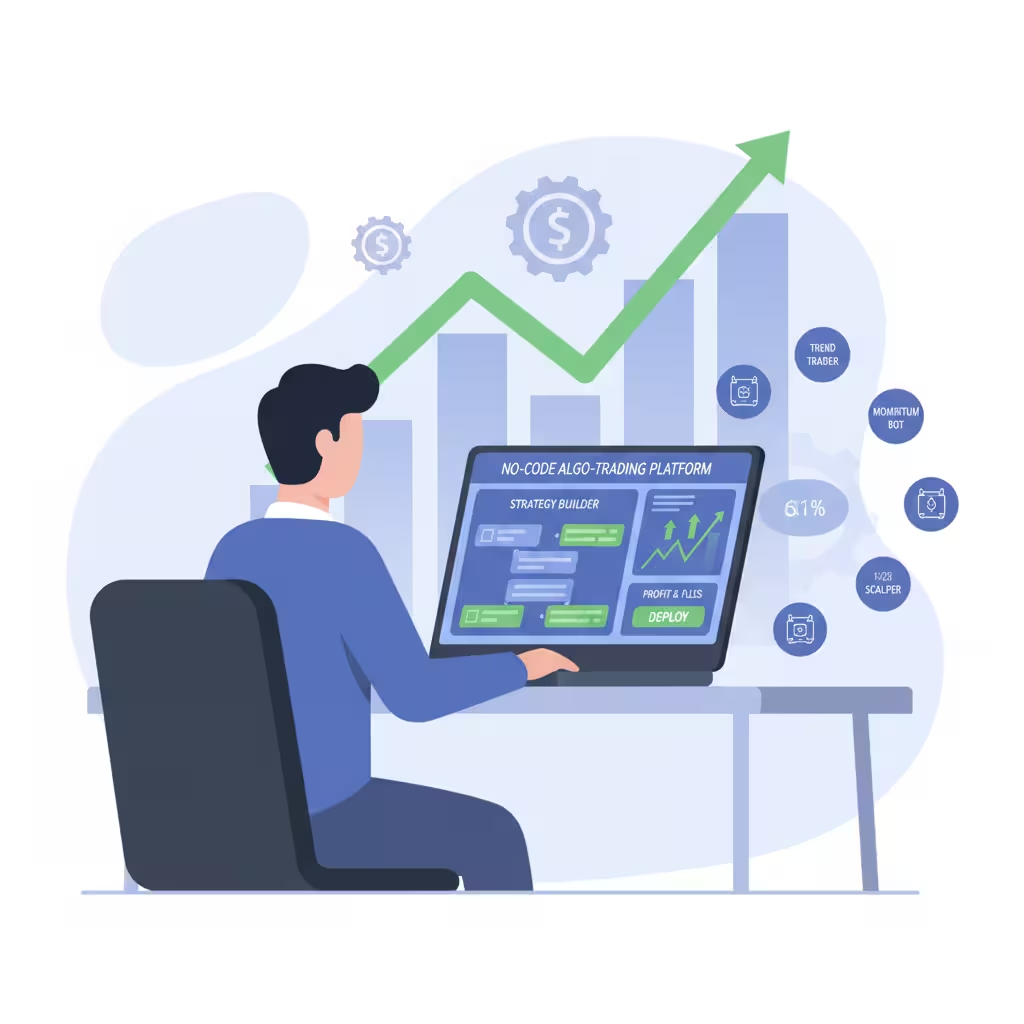
No-code platforms changed all of that. Now you build your
logic using drag-and-drop editors, plain-English inputs, or visual flowcharts.
The platform translates your rules into executable code in the background. You
never see it. You just see whether your strategy is working.
That's the simple version. The more interesting question is why it actually matters for your trading.
Why automation beats
"I'll just watch the market myself"
Here's what happens when you try to manually execute a
strategy you've thought carefully about. Market opens. Something moves fast.
You hesitate — is this the setup or not? You miss it. Or you chase it. Or you
second-guess your stop and let a small loss turn into a big one.
None of that happens with a bot. It sees the setup, it
takes the trade, it exits at exactly the level you told it to. Every single
time. No emotions. No "just this once" exceptions that wreck your win
rate.
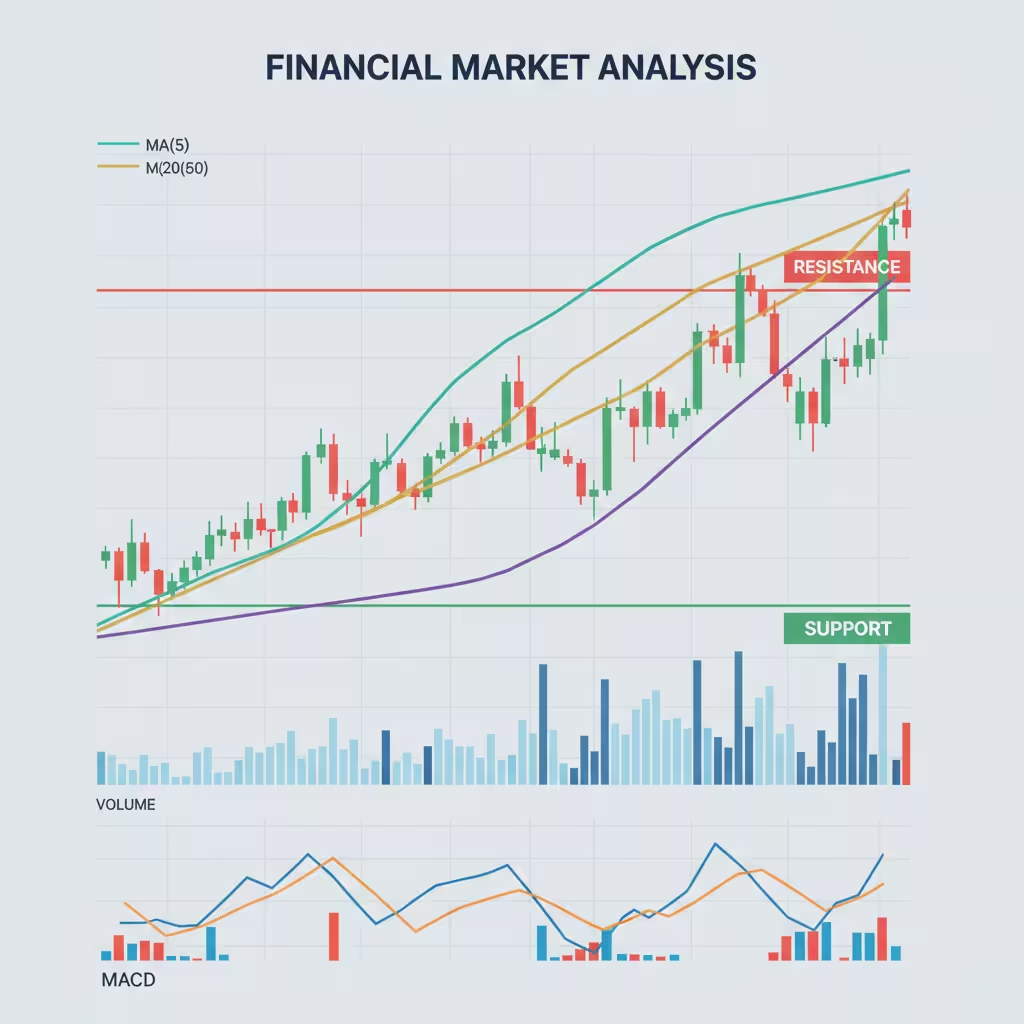
The trade execution speed difference alone is worth thinking about. When a catalyst hits — earnings release, Fed announcement, breaking news — prices move in fractions of a second. Humans simply can't compete with that. Automated systems can at least get close.
Why Regular Investors Are
Finally Jumping In
A few things happened at once that pushed this from niche
to mainstream.
No-code tools got genuinely usable. Not "usable if
you spend three weeks watching tutorial videos" — actually usable.
Platforms invested real money in user experience. The complexity got hidden
behind clean interfaces.
Then there's the paper trading factor. Every serious
platform now lets you test your strategy in real time, with real market data,
using fake money. You can run a strategy for a full month and see exactly how
it performs before putting a real dollar behind it. That safety net didn't
really exist five years ago.
Backtesting strategies is the other piece. You build a rule set, then run it
against 10, 15, even 20 years of historical price data. You can see how it
would've handled the 2020 COVID crash, the 2022 rate hike selloff, and the
choppy sideways markets that grind trend-following systems into dust. That kind
of insight used to cost institutional money to access.
And honestly? People got tired of doing it manually. Scanning hundreds of tickers every morning. Setting price alerts that go off when you're in a meeting. Watching a setup develop in slow motion while you're stuck on a call. Automation solves all of that — and the tools to do it properly are now within reach of anyone with a brokerage account and $30 a month.
The 6 Best Algorithmic
Trading Platforms for Retail Investors (2026)
I'm not going to pretend there's one perfect platform.
There isn't. The right tool depends entirely on what you trade and how you
trade it. Here's what I'd actually recommend based on trading style.
1. Option Alpha — The one built specifically for options
If you trade options, stop reading after this section.
Option Alpha is the answer.
It was built from the ground up for options automation,
which sounds obvious but actually matters a lot. Most multi-asset platforms try
to bolt on options support after the fact. The logic feels bolted on. Option
Alpha doesn't have that problem — the whole architecture assumes you're trading
options spreads, defined-risk trades, and probability-based strategies.
The bot builder uses a visual decision tree system — no
coding required at any point. You set up branches: if this happens, do
this; if that happens, do that instead. It's genuinely intuitive once you spend
an hour with it.
The feature that actually impresses me is SmartPricing.
Instead of just sending your order to the midpoint of the bid-ask spread and
hoping for a fill, SmartPricing actively works the order. It hunts for better
prices. On a high-volume options strategy with dozens of trades a month, that
makes a real difference to your net returns — not a theoretical difference, an
actual one.
|
Best for |
Options traders who want full automation |
|
Pricing |
Free tier available; paid plans scale with active bots |
|
Backtesting |
Yes — built in |
|
Paper Trading |
Yes |
|
Broker Integration |
Works with most major US brokers via API trading |
|
Standout Feature |
SmartPricing engine + visual bot builder |
2. TrendSpider — If you live and die by charts
TrendSpider is for the technical analysis crowd. If your
trading decisions start with a chart — moving averages, support and resistance
levels, candlestick patterns, trendlines — this is where you belong.
The platform has an AI assistant called Sidekick that you
can talk to like a person. Ask it to find stocks showing a specific pattern.
Ask it what happened last time a certain indicator hit a particular level. It
pulls the data and shows you. It's not perfect, but it's fast and surprisingly
useful when you're building a watchlist from scratch.
What really sets TrendSpider apart is the Strategy Lab.
You build trading rules using your technical conditions — no coding — and the
platform runs them against historical data to show you the results. And I mean
real results: win rate, average gain per trade, maximum drawdown, how many
losing streaks you'd have sat through.
The multi-timeframe analysis is also rare among no-code
platforms. You can write rules that look at both the daily chart and the
15-minute chart before triggering. That's genuinely useful for traders who use
higher timeframes for direction and lower timeframes for entry.
|
Best for |
Technical traders automating chart-based setups |
|
Pricing |
From ~$33/month billed annually |
|
Backtesting |
Yes — one of the deepest in the no-code space |
|
Paper Trading |
Yes |
|
Broker Integration |
API trading connections to major brokers |
|
Standout Feature |
Multi-timeframe analysis + Sidekick AI assistant |
3. Trade Ideas — For active traders who want an edge before the open
Trade Ideas does something the other platforms don't. It
doesn't just execute your strategies — it helps you find tomorrow's setups
tonight.
The platform's AI engine, nicknamed Holly, runs thousands
of backtesting passes every single night across the entire US equity market.
It's not looking at a few hundred stocks. It's scanning everything, testing
thousands of pattern combinations, and by morning it has a ranked list of the
highest-probability setups for that day. You wake up with a pre-built watchlist
that has actual statistical backing.
During market hours, the real-time scanning is some of
the best available. You can filter for momentum breakouts, unusual volume,
gap-and-go setups, unusual options activity — whatever fits your style — and
get alerted the instant conditions are met. The trade execution speed advantage
is real here because you're seeing the setup before most people even know to
look for it.
It's the most expensive option on this list. That's worth
acknowledging. But for active day traders and swing traders who rely on
scanning efficiency, it earns the cost pretty fast.
|
Best for |
Active US stock traders, day traders, swing traders |
|
Pricing |
Standard from ~$118/month; Holly AI plan higher |
|
Backtesting |
Yes — Holly runs thousands nightly |
|
Paper Trading |
Available on higher tiers |
|
Broker Integration |
Works with major US platforms via API |
|
Standout Feature |
Holly AI nightly backtesting + real-time scanner |
4. Composer — Build a strategy like building a playlist
Composer has the most interesting take on portfolio
automation I've seen. You build what they call symphonies — strategy scripts
that control how your money moves between positions based on market conditions.
The drag-and-drop editor is clean and logical. You could
build something like: hold QQQ when momentum is positive, rotate into TLT when
it turns negative, shift to cash if volatility spikes above a threshold. Set it
live. Done. The platform rebalances and adjusts automatically as conditions
change.
It's genuinely popular among US investors who follow
systematic macro or factor-based approaches — people who believe in the data
and the rules but hate the manual execution side. The backtesting output is
clean too: equity curves, drawdown charts, annual return breakdowns. Easy to
read and actually useful for evaluating whether a strategy holds up.
The main limitation is that it routes through Alpaca for
execution, so you'll need an Alpaca account. That's not a dealbreaker for most
people — Alpaca is solid — but it's worth knowing upfront.
|
Best for |
ETF rotation, systematic macro, rules-based portfolio automation |
|
Pricing |
From ~$19–$29/month |
|
Backtesting |
Yes — visual equity curves and drawdown analysis |
|
Paper Trading |
Yes |
|
Broker Integration |
Alpaca (required for live trading) |
|
Standout Feature |
Symphony builder + drag-and-drop strategy logic |
5. Tradetron — The multi-asset option
If you trade across more than one asset class, Tradetron
deserves a serious look. Equities, options, futures, forex — you can build
automated strategies for all of them in one place without writing any code.
The strategy marketplace is what I'd point beginners
toward first. Other traders upload their strategies. You can browse them, see
the performance history, and subscribe to ones that match your style. It's a
great way to learn how these systems actually work in practice — watching a
live strategy run is worth more than any tutorial.
The no-code builder handles conditional logic, position
sizing, and risk management without any programming. API trading integrations
with major brokers have gotten solid over the past year, and the platform has
been actively expanding its US-specific data feeds.
Free tier is a genuine free tier, not a 7-day trial
disguised as one. That matters when you're still figuring out whether algo
trading fits your workflow.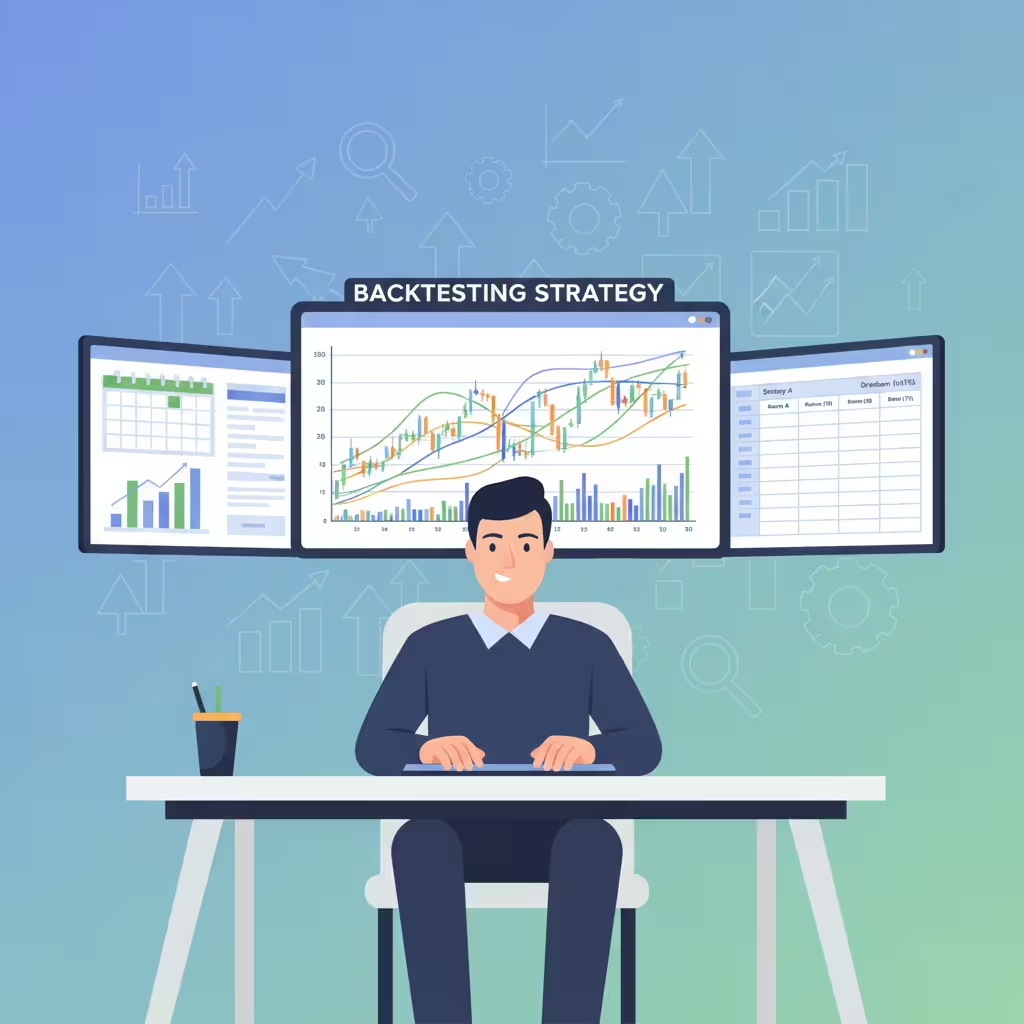
|
Best for |
Multi-asset traders: equities, options, futures, forex |
|
Pricing |
Free tier available; premium from ~$30/month |
|
Backtesting |
Yes |
|
Paper Trading |
Yes |
|
Broker Integration |
API trading with multiple brokers |
|
Standout Feature |
Strategy marketplace + widest asset class coverage |
6. Capitalise.ai — You literally just type what you want
This one's almost too simple, which is exactly the point.
With Capitalise.ai, you type your strategy in plain
English. Not a form. Not a dropdown menu. You write: "Buy 5 shares of NVDA
when RSI drops below 30 and price is above the 200-day moving average."
The platform reads it, interprets it, and turns it into live trading logic.
That's it. No visual builder. No drag and drop. If you
can describe your trading rules to another person, you can automate them here.
The backtesting is clean and the paper trading
environment is easy to navigate. It's not the most powerful platform on this
list — Trade Ideas or TrendSpider will run circles around it for advanced
users. But for someone who has clear trading rules in their head and just wants
them automated without fighting a learning curve, Capitalise.ai is the fastest
path from idea to live strategy.
|
Best for |
True beginners who want the simplest possible entry point |
|
Pricing |
From ~$29/month with free trial |
|
Backtesting |
Yes |
|
Paper Trading |
Yes |
|
Broker Integration |
Major brokers supported via API trading |
|
Standout Feature |
Type-your-strategy plain English interface |
Quick Side-by-Side: All 6
Platforms
If you just want to scan and decide, here's everything in
one place.
|
Platform |
Who It's For |
No Code? |
Backtest? |
Free Option? |
Price (USD) |
|
Option Alpha |
Options traders |
Yes |
Yes |
Yes |
Free to start |
|
TrendSpider |
Chart/TA traders |
Yes |
Yes |
Yes |
~$33/mo |
|
Trade Ideas |
Active stock traders |
Yes |
Yes |
No |
~$118/mo |
|
Composer |
ETF rotation |
Yes |
Yes |
Yes |
~$19/mo |
|
Tradetron |
Multi-asset |
Yes |
Yes |
Yes |
Free tier |
|
Capitalise.ai |
Total beginners |
Yes |
Yes |
Yes |
~$29/mo |
Don't Overlook What Your
Broker Already Built
Before you open a new account somewhere, take five
minutes to look at what your current broker actually offers. Several major US
brokers have been quietly building AI tools right into their existing platforms
— and if you're already a customer, they're free.
•
Interactive
Brokers: Their iBot
feature lets you enter trades using natural language commands. Just type what
you want to do. They've also added AI news summaries that digest and compress
market information so you're not reading ten different articles to figure out
what moved.
•
OANDA
US: Uses
Autochartist-powered AI to scan charts for pattern formations in real time and
surface trade signals. Well-suited for forex traders who rely on technical
setups.
•
FOREX.com:
SMART Signals uses
machine learning to generate trade ideas with built-in performance analytics.
You can see the historical accuracy of each signal type before you act on it.
•
XM:
Has an in-platform AI
assistant for quick chart analysis and market commentary. Not the most
powerful, but it's convenient and free.
The trade-off with broker-built tools is customization. You get what they built — you don't get to modify it or combine it with other signals. For most beginners though, that's actually fine. Use your broker's tools first. Upgrade to dedicated algo trading software when you outgrow them.
How to Start Algorithmic
Trading With No Coding Experience
I've seen a lot of people buy a subscription, open the platform, and freeze. The interface is new, there are fifteen different settings, and they have no idea where to begin. Here's the order that actually works.
1. Write your rules down on paper before
you touch any platform. Seriously. Before you log into anything. What
conditions make you buy? What makes you sell? What's your maximum acceptable
loss on a single trade? How much of your portfolio is any single position?
Writing this out in plain English first — before you try to translate it into a
platform — saves you enormous frustration. Most people skip this step. Don't.
2. Pick the platform that matches your
actual trading style. Options trader? Option Alpha. Chart trader?
TrendSpider. Never tried any of this before and just want something simple?
Capitalise.ai. The worst thing you can do is sign up for the platform with the
flashiest features when your actual strategy is straightforward.
3. Run paper trading for at least four
weeks. Every platform here supports paper trading —
simulated trades on live market data with fake money. Do not skip this. Four
weeks catches the edge cases. The setups that work fine until a random
Wednesday when they don't. The exit rule that looks good on paper until
slippage hits. Catch it all before real money is involved.
4. Backtest against at least 5 years of
data — and include bad years. When you're running backtesting
strategies, it's tempting to feel great when the results look strong. Just make
sure you're including 2020, 2022, and any extended sideways period you can
find. If your strategy only worked during a bull market, it's not a strategy.
It's luck wearing a suit.
5. Connect your broker in read-only API
mode first. Once you're ready to bridge to live trading,
connect your brokerage account with read-only API trading access. The platform
can see your portfolio, generate signals, and tell you what it would do —
without actually doing anything. Watch those recommendations for a week or two.
Do they match your expectations? If yes, move forward.
6. Go live with a size you could completely lose. I mean that literally. Pick a position size where, if the strategy blows up completely in the first month, you're frustrated but not financially hurt. Watch the first 20 to 30 trades closely. Compare them to your backtest. When the results align and the logic holds, scale up.
How to Spot a Platform
That's Just Calling Itself AI
This matters more than most guides admit. The 2026 market
is full of platforms that plastered the word "AI" on dashboards that
are genuinely just old technical indicators in a new skin. It even has an
industry nickname: AI broker washing.
Here's what actually separates the real thing from the
rebrand.
•
Ask
it to explain itself. Real
AI systems can tell you why they made a call. Platforms like Danelfin will
literally list the specific factors driving a stock's rating. If a platform
gives you a buy signal with no explanation, no breakdown, no transparency —
that's a red flag. You're probably looking at a repackaged indicator.
•
Check
the backtesting methodology. Proper backtesting strategies use out-of-sample validation and
walk-forward testing. What you don't want is a system that was optimized to fit
historical data perfectly — that's called curve-fitting, and it basically
guarantees the strategy falls apart in live markets. If the backtest shows a
95% win rate with almost no drawdowns, be very skeptical.
•
Test
price data accuracy during live hours. Open the platform while markets are open and compare its
quotes to what your broker shows. Consistent delays or differences mean the
data feed is slow or unreliable. That directly kills your trade execution speed
advantage — which is most of the point.
• Look at what the system actually does differently. If the 'AI' is a simple moving average crossover with different branding, it's not AI. Genuine machine learning platforms improve over time, adapt to new market conditions, and process non-price data like earnings commentary, news sentiment, and analyst revisions simultaneously.
What Does This Actually
Cost?
Good news: the price floor has dropped a lot. Bad news:
the good stuff still costs money. Here's a realistic breakdown.
|
Category |
Typical Cost |
What You're
Getting |
|
Beginner / free tiers |
$0 – $30/month |
Paper trading, limited live automation, basic scanning |
|
Research platforms |
$50 – $150/month |
AI stock scoring, screeners, market analysis tools |
|
Automated trading bots |
$25 – $100/month |
Live automation, alerts, execution management |
|
Professional / all-in-one |
$300 – $1,000+/month |
Enterprise data, deep API access, advanced backtesting |
|
Robo-advisors |
0.25% – 0.50% AUM/year |
Fully managed automated portfolio rebalancing |
For most US retail investors starting out, one research platform plus one automation tool runs $75 to $150 a month total. If that sounds like a lot, think about it this way: one better-timed exit per month can easily cover that. One avoided panic-sell can cover three months.
Being Real With You About
What to Expect
I'd rather tell you the uncomfortable parts upfront than
have you find out the hard way.
This won't turn bad trading into good trading. A poorly designed strategy that you
automate is still a poorly designed strategy. It just executes its bad logic
faster and more consistently. The automation is only as good as the rules you
feed it.
Backtests always look better than live trading. Always. There's no exception to this
rule. The historical data doesn't include slippage, doesn't include liquidity
gaps, doesn't include the moments when your broker is slow to fill. Assume your
live results will be 20-30% worse than your backtest and build your
expectations accordingly.
You still have to think. The platform executes your rules.
Deciding what those rules are, when to modify them, when a strategy has stopped
working — that's still entirely on you. Automation removes execution errors. It
doesn't remove judgment errors.
AI gets things wrong. Sometimes badly wrong. If a platform has never seen a
market condition before — a pandemic crash, a hyperinflationary environment, a
flash crash driven by a specific mechanism — it may respond in ways that are
precise but completely incorrect. Always run position sizes that assume the AI
can and will make serious mistakes occasionally.
None of that should stop you from starting. It should just make you start carefully.
Frequently Asked Questions - FAQs
Do I really not need to know
how to code?
Not for any of the platforms in this guide. Option Alpha,
Composer, Capitalise.ai, Tradetron — all built for non-programmers. The most
technical thing you'll do is connect a broker API, which is just copying and
pasting credentials into a form.
Is automated trading legal
for regular people in the US?
Yes, completely. There's no special license required.
Retail investors in the US can use automated trading bots freely. Every
platform on this list works with regulated US brokers and is designed
specifically for retail use.
What's the difference
between backtesting and paper trading?
Backtesting runs your strategy against historical price
data — it tells you how your rules would have performed in the past. Paper
trading runs your strategy against live real-time market data using simulated
money — it tests your rules in current conditions without financial risk. Do
both. Backtest first to validate the concept, then paper trade to see how it
behaves live.
Which broker connects to the
most platforms?
Interactive Brokers. Hands down, it has the widest
compatibility with third-party algo trading software of any US broker. Alpaca
is a close second for platforms like Composer that are built around it. Check
your chosen platform's broker integration page before opening a new account.
How much money do I actually
need to start?
Platform
costs can start at zero with free tiers. For actual trading capital, some
brokers like Alpaca have no minimum on cash accounts. Others require $2,000 or
more for margin accounts. Practically speaking, most strategies need at least
$5,000 to $10,000 in capital
Financial Disclaimer
The information published on Tech Capital Hub is intended for educational and informational purposes only. Nothing on this website — including articles, guides, analysis, or commentary on AI, fintech, blockchain, cryptocurrency, or stocks — should be interpreted as financial advice, investment advice, trading recommendations, or any other form of professional financial guidance.
All investments carry risk, including the potential loss of principal. Past performance of any financial instrument, strategy, or technology is not a reliable indicator of future results. Cryptocurrency and blockchain-based assets are particularly volatile and speculative in nature, and their value can fluctuate significantly in short periods of time.
Tech Capital Hub, Marcus Delray, and any associated contributors do not hold responsibility for any financial decisions you make based on content published on this site. Before making any investment or financial decision, we strongly encourage you to conduct your own independent research and consult with a licensed financial advisor, accountant, or legal professional who understands your personal financial situation.
Any links to third-party websites, tools, or platforms are provided for convenience and informational purposes only. Tech Capital Hub does not endorse or take responsibility for the content, accuracy, or practices of any third-party sites.